
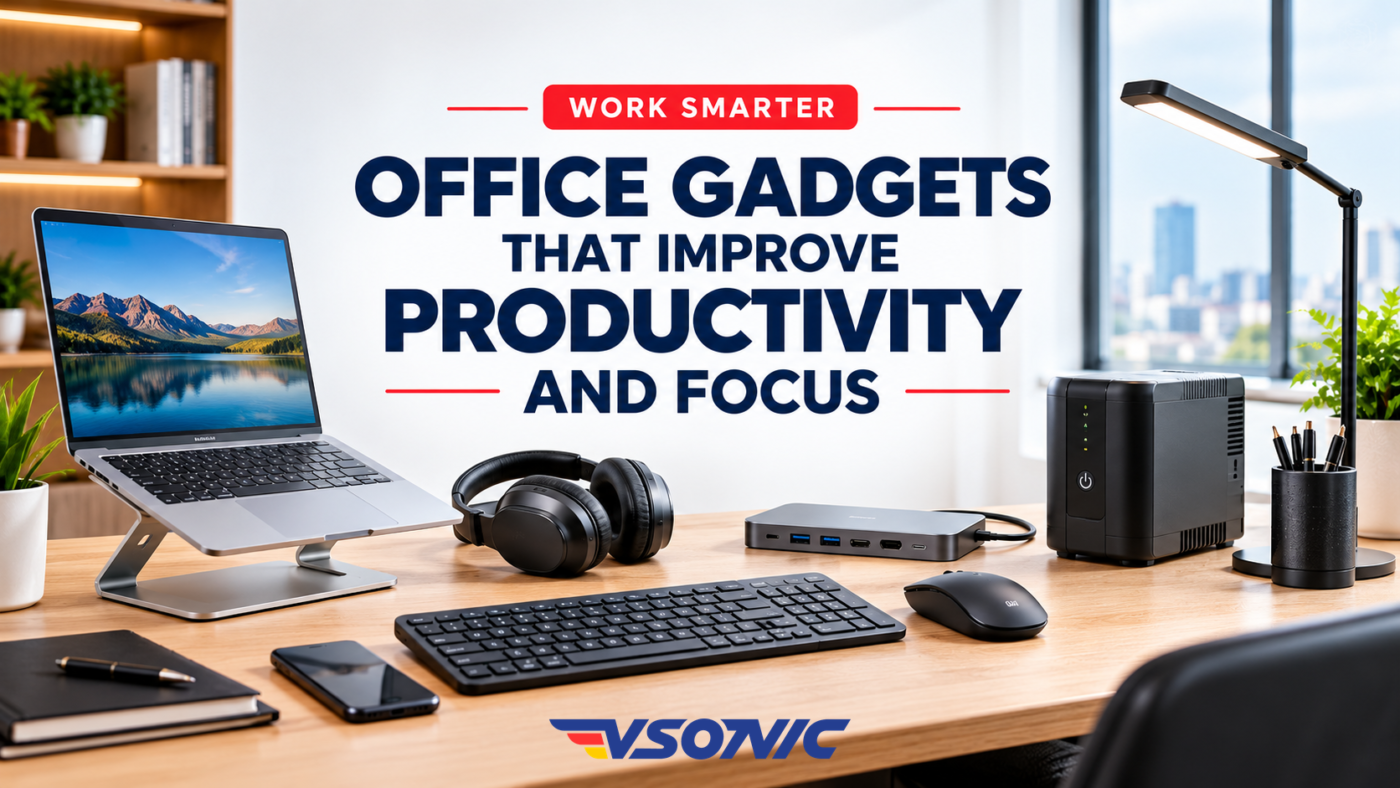
A productive office isn’t just about working harder. It’s about having the right tools to work smarter, stay organised, reduce distractions, and get more done in less time.
Whether you’re working from home in Lagos, managing a business in Abuja, running a corporate office in Port Harcourt, or studying in a shared workspace, the right office gadgets can make a noticeable difference to your daily routine.
From ergonomic keyboards and noise-cancelling headphones to reliable power backup devices, laptop accessories, and smart desk organisers, practical office technology can help you spend less time dealing with interruptions and more time focusing on the work that matters.
But which office gadgets are actually worth investing in? And how can you choose the right productivity tools for your workspace, budget, and working habits?
In this guide, we’ll explore the best office gadgets for productivity and focus, explain how each one can help, and share practical tips for choosing office equipment that supports better work.
Why the Right Office Gadgets Matter
Modern work involves much more than sitting in front of a computer. Professionals must manage emails, virtual meetings, documents, deadlines, communication tools, and multiple tasks throughout the day.
Without the right equipment, small frustrations can quickly accumulate. A slow computer setup, uncomfortable keyboard, unreliable internet connection, noisy environment, or unexpected power interruption can disrupt concentration and waste valuable time.
The right office gadgets help address these everyday challenges.
- Better focus: Reduce avoidable distractions and create a more comfortable working environment.
- Improved efficiency: Complete routine tasks with fewer unnecessary steps.
- Greater comfort: Support a more ergonomic workstation for long working hours.
- Better communication: Make virtual meetings, calls, and collaboration easier.
- More reliable work: Reduce disruptions caused by connectivity and power problems.
- Improved organisation: Keep your workspace and essential equipment accessible.
Productivity isn’t about owning the most expensive equipment. It’s about choosing tools that solve genuine problems in your daily workflow.
5 Office Gadgets That Improve Productivity and Focus
1. Ergonomic Keyboard and Wireless Mouse
Best for: Office professionals, writers, accountants, programmers and remote workers.
If you spend several hours typing emails, preparing reports, analysing spreadsheets, or working on documents, an ergonomic keyboard and a comfortable mouse can make your workstation more practical.
A wireless keyboard helps reduce cable clutter, while a well-designed mouse gives you convenient control when navigating applications, editing documents, and switching between tasks.
Depending on your needs, you could consider a compact keyboard for a small desk, a full-sized keyboard with a number pad for accounting work, or an ergonomic mouse designed to provide a more comfortable grip.
How they improve productivity:
- Make typing and navigation more convenient.
- Reduce unnecessary hand movements when properly positioned.
- Help create a cleaner, more organised desk.
- Support a more comfortable computer workstation.
Buying tip: Look for a keyboard that suits your typing habits and a mouse that fits your hand comfortably. Keep both at a height that allows your shoulders to relax and your wrists to remain relatively straight.
2. Laptop Stand or Adjustable Monitor Stand
Best for: Laptop users, remote workers, students and professionals who work at a desk for extended periods.
A laptop is convenient, but its built-in screen can encourage you to look down for long periods, particularly when working at a low desk.
A laptop stand raises the screen to a more suitable viewing height. When paired with an external keyboard and mouse, it can help you create a more comfortable workstation without replacing your laptop.
If you use a desktop computer, an adjustable monitor stand or monitor arm can help position the display to suit your desk and viewing preferences.
How it improves productivity:
- Helps you organise your workstation more effectively.
- Makes screen positioning easier to adjust.
- Frees up desk space on some setups.
- Can reduce the need to lean forward or maintain awkward viewing positions.
Buying tip: Choose a sturdy, stable stand that supports your laptop’s size and weight. Aim to position the screen directly in front of you, with the top of the display at or slightly below eye level.
3. External Monitor
Best for: Data analysts, designers, accountants, researchers, administrators and professionals who multitask.
Switching constantly between multiple windows can interrupt your workflow. An external monitor gives you more screen space, making it easier to view documents side by side, monitor a spreadsheet while preparing a report, or keep reference material visible while writing.
For example, a business professional could use a laptop screen for email and an external monitor for a financial report. A designer could keep their creative software open on one display and reference materials on another.
An additional monitor is not essential for everyone, but it can be a useful upgrade if your work involves several applications or large documents.
How it improves productivity:
- Reduces frequent switching between windows.
- Makes comparing documents easier.
- Provides additional workspace for complex tasks.
- Supports a more organised digital workflow.
Buying tip: Consider screen size, resolution, available desk space, connection compatibility, and the type of work you perform. Position the monitor directly in front of you and at a comfortable viewing distance; an additional screen is only useful if it fits your setup properly.
4. USB-C Hub or Laptop Docking Station
Best for: Laptop users, hybrid workers, designers and professionals with several peripherals.
Modern laptops may have limited ports, making it difficult to connect an external monitor, wired network, USB accessories, storage devices, and other equipment at the same time.
A USB-C hub or docking station brings compatible connections together in one convenient place. Instead of repeatedly plugging and unplugging individual accessories, you can connect your workstation through a single cable when your laptop supports that functionality.
How it improves productivity:
- Simplifies connecting multiple office accessories.
- Reduces cable clutter.
- Makes it easier to switch between a mobile laptop setup and a desk workstation.
- Supports compatible external displays, storage devices, and wired networking.
Buying tip: Check the laptop’s USB-C capabilities before purchasing. Not every USB-C port supports video output or the same data-transfer speeds. Confirm display resolution support, power delivery, port selection, and compatibility with your operating system.
5. Webcam and Dedicated Microphone or Business Headset
Best for: Remote employees, online instructors, consultants, sales teams and business owners.
Virtual meetings are part of modern professional life, but poor video and unclear audio can make communication unnecessarily difficult.
An external webcam can provide a more suitable camera angle or improved image quality compared with a built-in laptop camera. A dedicated microphone or quality business headset can make your voice clearer, particularly when your environment is noisy.
You don’t necessarily need expensive equipment. For many users, a reliable headset with a good microphone is a more useful first upgrade than purchasing a separate webcam and microphone.
How they improve productivity:
- Help make online meetings clearer.
- Support better communication with clients and colleagues.
- Make remote presentations and virtual training more professional.
- Reduce the need to repeat information because of poor audio.
Buying tip: Prioritise microphone clarity, camera compatibility, ease of setup, and reliability. Good front-facing lighting and a quiet environment can also improve meeting quality without additional equipment.
Other Office Gadgets Worth Considering
The ten gadgets above address common productivity challenges, but a few additional accessories may be useful depending on your work.
| Gadget | Main benefit |
|---|---|
| Portable SSD | Fast access to files and convenient backups |
| Wi-Fi router or mesh system | Better connectivity where coverage is poor |
| Document scanner | Easier digital filing and document sharing |
| Cable management organiser | A tidier, less cluttered desk |
| USB desk fan | Personal airflow in a warm workspace |
| Smart plug with energy monitoring | Convenient control and visibility into compatible devices’ energy use |
You don’t need to purchase everything at once. Start with the devices that solve your most frequent problems.
How to Choose the Best Office Gadgets for Your Needs
Before spending money on office accessories, consider the following factors.
1. Identify your biggest productivity problem
Are you distracted by noise? Constantly switching between windows? Struggling with an uncomfortable desk setup? Losing work during power interruptions?
Identify the problem first, then choose the gadget that addresses it. This approach helps you avoid spending money on accessories that look impressive but make little difference to your work.
2. Consider your budget
You can improve your workspace without buying premium equipment. A basic laptop stand, a comfortable mouse, or a simple digital timer may be more useful than an expensive smart desk accessory.
Prioritise essential upgrades and add more equipment as your needs evolve.
3. Check compatibility
Before purchasing, confirm that the gadget works with your laptop, desktop, smartphone, operating system, and other equipment. This is particularly important for USB-C docks, external monitors, wireless accessories, and laptop charging solutions.
4. Think about power reliability
For Nigerian homes and offices, consider how equipment will operate during power interruptions. A properly sized UPS, compatible power bank, or suitable backup solution may be more valuable to your workflow than a purely decorative accessory.
Check power requirements before connecting equipment to any backup system.
5. Prioritise comfort and usability
A gadget should make work easier, not introduce another complication. Choose adjustable equipment where useful, arrange your screen and input devices comfortably, and ensure your workspace lighting does not cause distracting glare.
6. Consider durability and after-sales support
Check product specifications, warranty terms, build quality, and access to support. For businesses buying multiple devices, reliability and compatibility across the office can matter more than having the newest features.
Which Office Gadgets Should You Buy First?
Your ideal setup depends on the work you do and the challenges you encounter.
For a home office
Start with a comfortable keyboard and mouse, a laptop stand, reliable connectivity, and suitable power backup.
For a corporate office
Prioritise suitable monitors, ergonomic input devices, reliable connectivity, meeting equipment, and power protection for essential systems.
For students and researchers
Consider a laptop stand, comfortable mouse, headphones, external storage, and a timer for structured study sessions.
For mobile professionals
Look at a compatible power bank, wireless headset, compact USB-C hub, and portable storage.
Frequently Asked Questions
What are the best office gadgets for productivity?
Some of the most useful options include ergonomic keyboards, wireless mice, laptop stands, external monitors, noise-cancelling headphones, desk lamps, UPS devices, USB-C hubs, webcams, and digital timers. The best choices depend on your work and the obstacles you need to overcome.
Which gadgets help improve focus at work?
Noise-cancelling headphones, digital timers, suitable task lighting, and an organised workstation can help reduce distractions and support focused work sessions. However, gadgets work best when combined with sensible work routines and fewer unnecessary interruptions.
What office gadgets are useful for working from home in Nigeria?
Useful options include a laptop stand, wireless keyboard and mouse, reliable router, compatible power bank, UPS, headset, and external monitor. If electricity interruptions affect your work, consider backup power before investing in less essential accessories.
Are expensive office gadgets always better?
No. A more expensive device may offer additional features, but those features are only valuable if they meet your needs. Compatibility, comfort, durability, reliability, and suitability for your daily tasks are often more important than price alone.
How can I improve my office productivity without spending much?
Start by organising your desk, improving lighting, adjusting your monitor position, reducing distractions, and setting specific work periods. If you need to buy something, begin with an affordable accessory that solves your biggest daily frustration.
Upgrade Your Workspace with VSONIC.NG
A more productive workspace doesn’t happen simply because you own more gadgets. It happens when you choose the right tools to remove friction from your workday.
Whether you need computer accessories, connectivity devices, power solutions, or office electronics, focus on equipment that helps you work more comfortably, communicate effectively, and keep essential tasks moving.
Explore the available product categories at VSONIC.NG to discover technology solutions for your home office, business, or professional workspace. Check the current catalogue for available products and specifications.
Work smarter. Stay focused. Get more done with the right technology.