
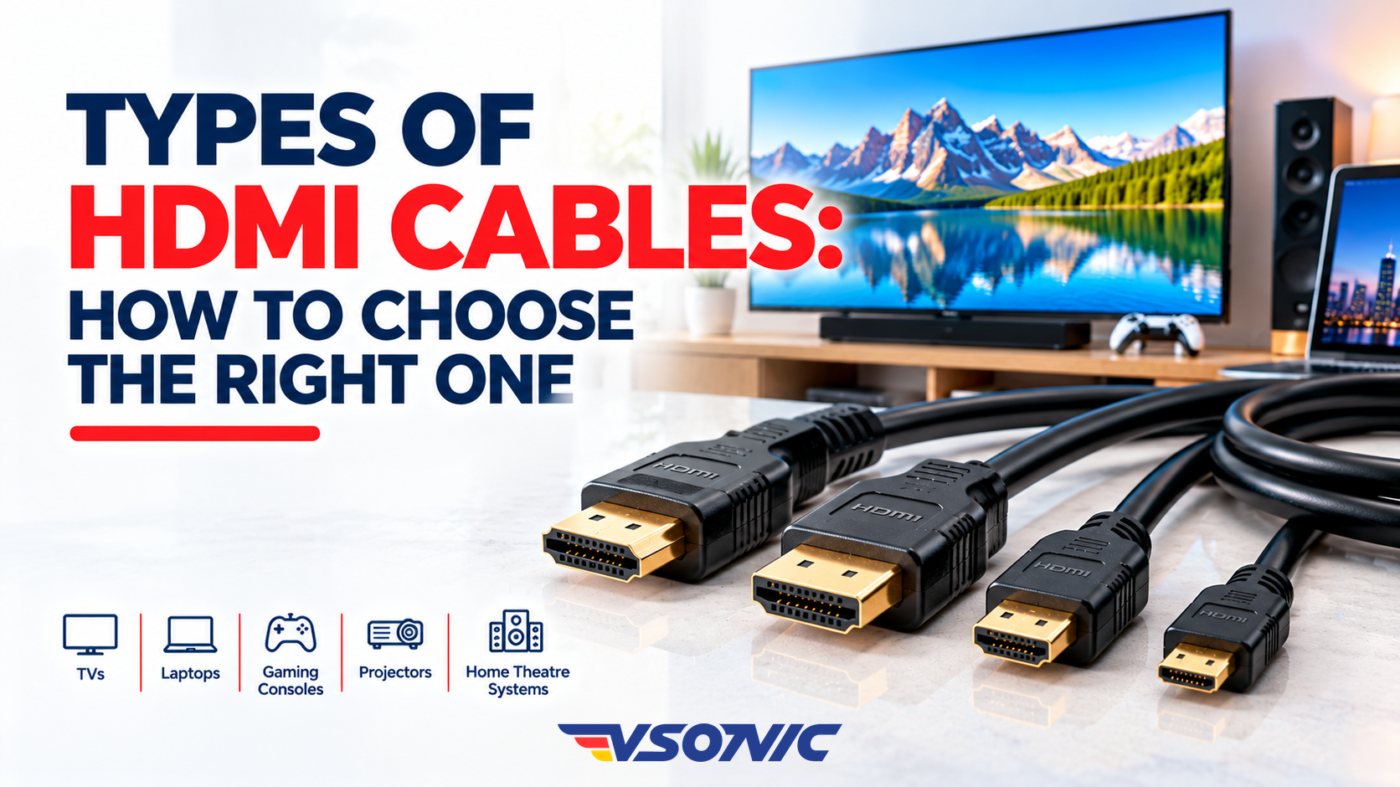
Have you ever connected your laptop to a television, only to discover that the picture quality is disappointing or the screen does not display anything at all? The problem could be your settings, your devices, or the HDMI cable you are using.
HDMI cables play an important role in modern entertainment, gaming, and office setups. They transmit digital video and audio between compatible devices, making it possible to connect televisions, laptops, gaming consoles, projectors, and home theatre systems.
However, not all HDMI cables offer the same performance. Some are suitable for basic Full HD viewing, while others support demanding 4K gaming, high refresh rates, and advanced audio and video features.
Understanding the different types of HDMI cables can help you choose the right one, avoid unnecessary spending, and get the best performance from your devices.
In this guide, we explain the main HDMI cable categories, connector types, important features, and how to select the right cable for your needs.
1. What Is an HDMI Cable?
HDMI stands for High-Definition Multimedia Interface. It is a standard used to transmit digital video and audio between compatible electronic devices through a single connection.
For example, an HDMI cable can connect a laptop to a monitor, a gaming console to a television, or a decoder to a home entertainment system.
Using one cable for both audio and video helps reduce cable clutter and simplifies installation.
However, the performance you get depends on the cable’s capabilities, the connected devices, and the settings you use.
2. The Main Types of HDMI Cables
HDMI cables are commonly grouped by their supported bandwidth and performance category. These categories help you identify which cables are suitable for different resolutions, refresh rates, and features.
Standard HDMI Cable
Standard HDMI cables were designed for earlier home entertainment systems and support basic video requirements, including 720p and 1080i.
They may be adequate for older devices, but they are generally not the best choice for modern 4K televisions, gaming consoles, or high-performance displays.
If you are purchasing a cable for a new television or gaming setup, consider a higher-capability category.
High Speed HDMI Cable
High Speed HDMI cables support bandwidths of up to 10.2 Gbps and were designed for more demanding video formats, including 1080p and 4K at certain lower refresh rates.
They can work well with many older 4K devices, depending on the required resolution and features.
However, a basic High Speed cable may not support every advanced 4K feature available on newer televisions or gaming consoles.
Premium High Speed HDMI Cable
Premium High Speed HDMI cables are certified for bandwidths of up to 18 Gbps.
They are suitable for many 4K applications, including 4K video at 60Hz, when the connected devices and settings support it.
This category is a good option for compatible 4K televisions, streaming devices, and home entertainment systems that need more bandwidth than older High Speed cables provide.
Look for genuine Premium High Speed HDMI certification when reliability and compatibility are important.
Ultra High Speed HDMI Cable
Ultra High Speed HDMI cables support bandwidths of up to 48 Gbps. They are designed for advanced HDMI features, including 4K at higher refresh rates and 8K video at supported settings.
They are particularly useful for modern gaming consoles, high-performance PCs, and displays that support features such as 4K at 120Hz.
Some applications may also require support for features such as Variable Refresh Rate (VRR), depending on the devices involved.
If you want a cable for a modern gaming setup or plan to upgrade your entertainment equipment, an Ultra High Speed HDMI cable may be a suitable choice.
For dependable performance, look for official certification rather than relying on marketing claims alone.
3. HDMI Cable Types at a Glance
| Cable category | Maximum rated bandwidth | Typical applications |
|---|---|---|
| Standard HDMI | Up to 4.95 Gbps | Older devices and basic video systems |
| High Speed HDMI | Up to 10.2 Gbps | Full HD and some 4K applications |
| Premium High Speed HDMI | Up to 18 Gbps | Many 4K 60Hz setups |
| Ultra High Speed HDMI | Up to 48 Gbps | Advanced 4K gaming and supported 8K systems |
These figures describe the cable categories’ rated bandwidth. Actual resolution, refresh rate, colour format, and feature support depend on the complete connection, including the source device and display.
4. Understanding HDMI Connector Types
Apart from performance categories, HDMI cables also come with different connector sizes.
Choosing the right connector is important because the cable must physically fit the ports on your devices.
Standard HDMI (Type A)
This is the familiar full-size HDMI connector found on many televisions, monitors, laptops, gaming consoles, projectors, and home theatre receivers.
It is the most common choice for everyday home and office connections.
Mini HDMI (Type C)
Mini HDMI is smaller than the standard connector. It is used on some cameras, tablets, and other compact devices.
A Mini HDMI cable or suitable adapter may be required to connect these devices to a television or monitor with a full-size HDMI port.
Micro HDMI (Type D)
Micro HDMI is smaller than Mini HDMI and appears on certain compact cameras and other portable devices.
Before purchasing a cable, check whether your device uses Micro HDMI, Mini HDMI, or another connection entirely.
Important: Connector size and cable performance are separate considerations. A smaller connector does not automatically mean the cable is slower or less capable.
5. HDMI 2.0 vs HDMI 2.1: What Is the Difference?
You may see HDMI 2.0 and HDMI 2.1 mentioned when shopping for televisions, monitors, cables, and gaming equipment.
These labels refer to HDMI specifications, not the traditional cable speed categories.
HDMI 2.0 supports a maximum bandwidth of 18 Gbps and can accommodate many 4K 60Hz applications.
HDMI 2.1 introduced capabilities that support bandwidths of up to 48 Gbps, enabling features such as 4K at 120Hz and certain 8K formats on compatible equipment.
However, buying a cable labelled for HDMI 2.1 does not automatically mean every advanced feature will work. The source device and display must also support the feature you want.
For cable selection, look at the certified cable category and its capabilities rather than relying only on an HDMI version printed in a product description.
6. Which HDMI Cable Should You Choose?
The best cable depends on what you want to connect.
- For a Full HD television: A suitable High Speed HDMI cable is generally sufficient for common 1080p applications.
- For a 4K television: Consider a Premium High Speed cable for supported 4K 60Hz setups. Check your television and source device specifications.
- For PlayStation 5, Xbox Series X, or PC gaming at 4K 120Hz: Choose a certified Ultra High Speed HDMI cable if your equipment supports these features.
- For office presentations: A suitable High Speed cable may be enough for a laptop and projector, depending on their resolution and refresh rate.
- For home theatre systems: Check the video and audio requirements of your television, receiver, soundbar, and source device before buying.
- For cameras and compact devices: Confirm the connector size before purchasing.
Avoid paying for capabilities you cannot use. If your television supports only Full HD, an expensive cable designed for advanced 8K applications may offer little practical benefit.
7. Common HDMI Cable Buying Mistakes
Choosing the wrong cable can lead to unnecessary expenses or disappointing performance. Avoid these common mistakes:
Ignoring the device specifications: Check the ports, resolution, refresh rate, and features supported by both devices.
Confusing cable categories with HDMI versions: Cable categories indicate bandwidth capabilities, while HDMI versions refer to specifications for the interface.
Buying based on price alone: Very cheap cables may not meet their advertised performance. Choose a reputable product and look for appropriate certification.
Choosing the wrong connector: Confirm whether you need standard, Mini, or Micro HDMI.
Using an excessively long cable without checking its capabilities: Longer cable runs can make reliable high-bandwidth transmission more difficult. For long distances, consider a suitable active HDMI cable or another appropriate solution.
Assuming every HDMI cable supports every feature: Features such as 4K at 120Hz, VRR, and advanced audio formats depend on the cable and the connected devices.
8. How to Get Better Performance from Your HDMI Cable
After choosing the right cable, a few simple steps can help you achieve reliable performance.
- Connect the cable securely to both devices.
- Select the correct HDMI input on your television or monitor.
- Check the source device’s display settings for the desired resolution and refresh rate.
- Use compatible ports that support the features you want.
- Avoid sharply bending or crushing the cable.
- If you experience flickering or signal loss, try a shorter certified cable or test another compatible port.
If a feature is unavailable, check the specifications of your devices before assuming the cable is responsible.
Find Connectivity Accessories at VSONIC.NG
Choosing the right HDMI cable can improve the way you connect and use your entertainment, gaming, and office equipment.
Whether you are connecting a laptop to a monitor, setting up a home theatre, or preparing a gaming station, understanding cable categories and connector types helps you make a more informed decision.
At VSONIC.NG, you can explore technology products and connectivity accessories for your home, office, and everyday needs in Nigeria.
Visit https://vsonic.ng/ to explore available products and find suitable connectivity solutions.
Frequently Asked Questions
Are all HDMI cables the same?
No. HDMI cables differ in bandwidth capabilities, certification, connector types, and supported applications. Choose one that meets the requirements of your devices.
Do I need an expensive HDMI cable for a 4K television?
Not necessarily. A certified cable with sufficient bandwidth is more important than a high price. Many 4K 60Hz setups work well with Premium High Speed HDMI cables.
Can an HDMI cable improve picture quality?
A suitable HDMI cable helps transmit the signal reliably. It does not automatically improve the picture beyond what the connected devices and video source can deliver.
Which HDMI cable is best for gaming?
For gaming at 4K 120Hz on compatible equipment, a certified Ultra High Speed HDMI cable is generally the appropriate choice.
How do I know which HDMI cable I need?
Check the resolution, refresh rate, and features supported by your devices. Then choose a cable category with sufficient bandwidth and the correct connector type.