
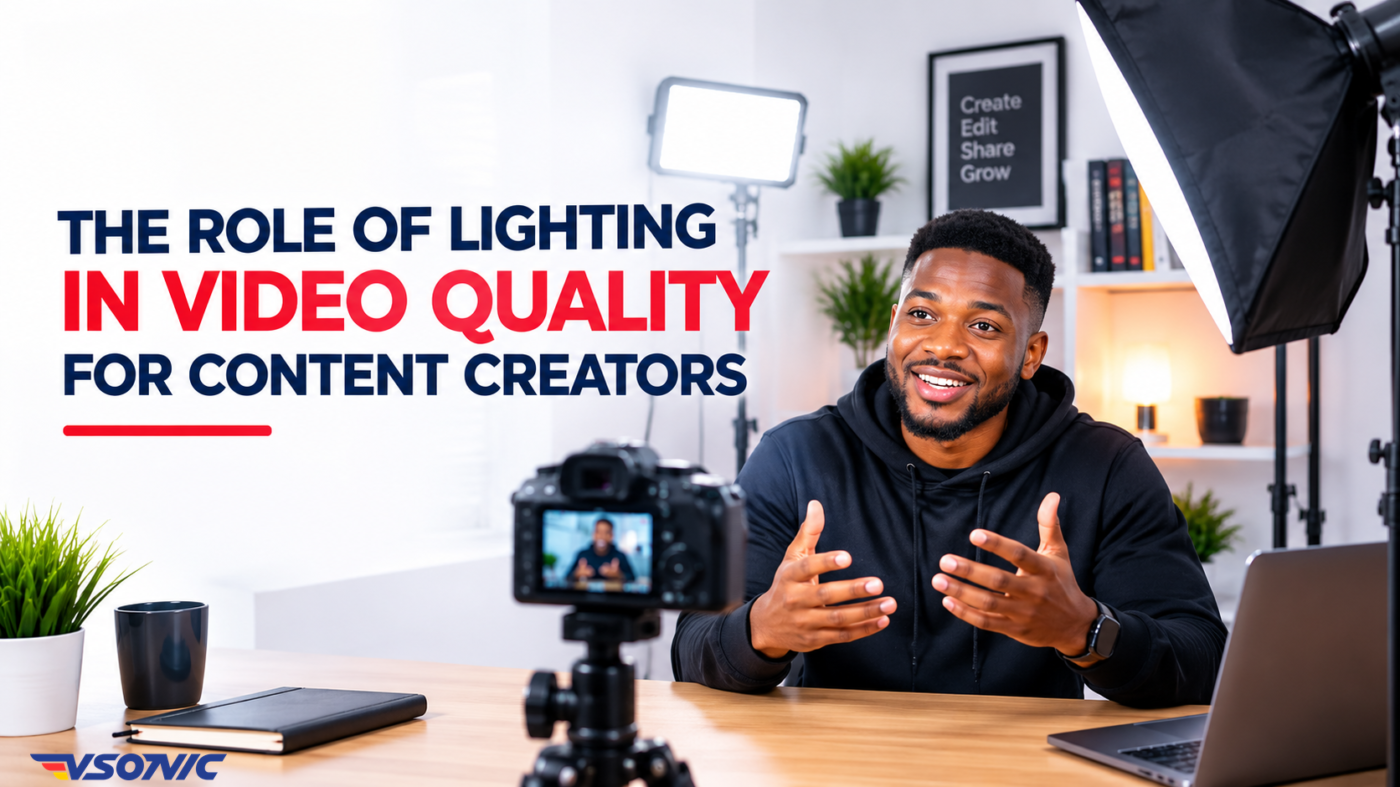
Have you ever watched a video recorded with an expensive camera and wondered why it still looked unprofessional? Or seen a creator produce impressive videos using a smartphone? One of the biggest differences often comes down to lighting.
Lighting influences how clearly viewers see your subject, how colours appear, how skin tones look, and whether your video feels polished or amateurish. Even a good camera can struggle to deliver pleasing results in poor lighting conditions.
For Nigerian content creators, YouTubers, TikTok creators, livestreamers, business owners, and videographers, understanding lighting is an important step towards producing better videos without necessarily spending a fortune on new equipment.
In this guide, we explore the role of lighting in video quality, the equipment worth considering, common mistakes to avoid, and practical ways to improve your video setup.
1. Why Lighting Matters in Video Production
Lighting does much more than make a scene brighter. It determines how your camera captures the subject and how viewers perceive the final video.
Here are five important ways lighting affects video quality.
Image clarity: When there is insufficient light, cameras may increase their sensitivity, introducing visible image noise or grain. Adding appropriate light can help produce cleaner footage.
Colour accuracy: The colour and quality of your light influence how objects, clothing, backgrounds, and skin tones appear. Consistent lighting makes it easier to achieve natural-looking colours.
Shadows and depth: Lighting direction determines where shadows fall and how facial features and objects appear. Thoughtful placement can add depth and dimension to a scene.
Professional appearance: Controlled lighting helps separate the subject from the background and makes the video feel more intentional.
Viewer engagement: Clear, well-lit visuals help viewers focus on your message rather than struggling to see what is happening.
Good lighting does not guarantee excellent video, but it gives your camera a better opportunity to capture a high-quality image.
2. Understanding the Different Types of Video Lighting
You do not need a complicated studio to improve your videos. Understanding a few common lighting options can help you choose equipment that suits your content and budget.
Natural light
Natural light from a window can be an excellent starting point for beginners. It is readily available and can produce soft, attractive illumination when used correctly.
Position yourself facing a window or at a slight angle to it. Avoid placing a bright window directly behind you unless you intend to create a silhouette or have additional lighting to balance the exposure.
In Nigeria, sunlight can be strong, especially around midday. Direct sunlight may create harsh shadows, so a shaded window or diffused natural light can be more flattering.
The main disadvantage is inconsistency. Clouds, changing daylight, and recording times can alter the brightness and colour of your scene.
Ring lights
Ring lights are popular among beauty creators, TikTok creators, makeup artists, and people recording talking-head videos.
Their circular design provides relatively even frontal illumination and can produce distinctive circular reflections in the eyes.
Ring lights are particularly useful for close-up content, makeup demonstrations, and straightforward desk or phone-recording setups.
However, they are not the best solution for every situation. Strong frontal light can flatten facial features, and a small ring light may not illuminate a large room or group effectively.
LED panels
LED panels provide adjustable illumination and are useful for interviews, livestreams, product demonstrations, and general video production.
Depending on the model, they may offer adjustable brightness, variable colour temperature, or RGB colour effects.
Their rectangular shape can provide flexible coverage, while mounting options make positioning easier. Some panels are designed for portable use, making them practical for creators who record in different locations.
When comparing LED panels, consider brightness, colour quality, power options, heat management, mounting compatibility, and the size of your recording space.
Softboxes
A softbox uses a light source and diffusion material to produce softer, more controlled illumination.
Soft lighting can reduce harsh shadows and create a pleasing appearance for interviews, educational videos, professional presentations, and product content.
Softboxes are particularly useful when you want to shape light across a subject rather than simply brighten the entire scene.
They do require sufficient space and a suitable stand. Larger setups may also be less convenient to transport.
3. The Three-Point Lighting Technique
Three-point lighting is a widely used technique for interviews, presentations, and talking-head videos. It uses three lights with different roles.
Key light: This is the main light illuminating your subject. Place it slightly to one side of the camera and direct it towards your face. A diffused key light often creates a natural, flattering appearance.
Fill light: This light reduces the shadows created by the key light. It is usually positioned on the opposite side at a lower intensity. A reflector or another source of soft light can sometimes perform this role.
Backlight: Positioned behind the subject, this light can help separate the person from the background by illuminating the hair or shoulders.
You do not need three expensive lights to use this technique. A window can serve as the key light, a white reflector can soften shadows, and a small LED light can provide background separation.
For beginners, start with one light source. Add more only when your videos would benefit from greater control.
4. Colour Temperature and White Balance
Colour temperature affects whether light appears warm, neutral, or cool. It is commonly measured in kelvins (K).
Warm light often appears yellowish, while cooler light may appear more blue. Daylight and artificial lighting can have different colour characteristics.
Mixing different light sources can create inconsistent skin tones and backgrounds. For example, a warm indoor bulb combined with cool daylight may make one side of your face look different from the other.
To improve consistency:
- Choose a colour temperature that suits your environment.
- Avoid mixing noticeably different light colours unless the effect is intentional.
- Set your camera’s white balance appropriately.
- Lock exposure and white balance when possible to prevent distracting changes during recording.
Some LED lights allow you to adjust colour temperature, making it easier to match the lighting to your room or other equipment.
5. Choosing Lighting for Different Types of Content
Different video formats have different lighting requirements.
| Content type | Suitable starting setup | Main consideration |
|---|---|---|
| TikTok and Reels | Ring light or small LED light | Even facial illumination |
| YouTube tutorials | Softbox or diffused LED light | Consistent, comfortable lighting |
| Livestreaming | LED panel or softbox | Stable lighting over long sessions |
| Product videos | Diffused LED panels or softboxes | Accurate colours and visible details |
| Interviews | Key light with fill or reflector | Natural-looking depth |
| Beauty and makeup videos | Ring light or high-quality diffused lighting | Colour accuracy and detail |
| Business presentations | Soft key light and optional fill | Clear, professional appearance |
These are starting points rather than strict rules. Room size, camera position, available daylight, and the look you want will influence the best setup.
For product videos, pay particular attention to reflections. Shiny electronics, glass, and glossy packaging can reflect light sources directly into the camera. Adjusting the light’s angle or using diffusion can help control these reflections.
6. How to Improve Video Lighting on a Budget
Improving lighting does not always require buying several new products.
Use your window strategically. Face a window when recording during daylight and use a curtain to soften harsh sunlight when necessary.
Position your main light correctly. Place it slightly to one side of your camera rather than directly overhead. Experiment with the angle until the shadows look natural.
Separate yourself from the background. If possible, sit or stand some distance away from the wall behind you. This can improve depth and reduce distracting shadows on the wall.
Control the room lighting. Turn off or reposition lights that create unwanted colour casts or competing shadows.
Use a reflector. A white board or suitable reflector can bounce existing light into shadowed areas without requiring another powered light.
Keep your setup consistent. Mark light positions and camera locations so you can reproduce a look across multiple videos.
For creators working with unstable electricity, consider lights with rechargeable batteries or USB power options where appropriate. Check actual battery life, brightness, charging requirements, and compatibility before purchasing.
7. Common Lighting Mistakes to Avoid
Even expensive lighting equipment can produce disappointing results when used incorrectly.
- Sitting in front of a bright window: Your face may appear too dark because the background is much brighter.
- Using only harsh overhead lighting: This can create strong shadows beneath the eyes and nose.
- Placing the light too close without adjustment: The subject may become overexposed, and the lighting may look uneven.
- Ignoring white balance: Mixed colour temperatures can produce unnatural colours.
- Making the background too bright: The viewer’s attention may shift away from the subject.
- Overusing coloured lights: Excessive RGB lighting can distract from the message or distort product colours.
- Buying equipment before assessing your space: A large softbox may be impractical in a very small room, while a tiny light may be insufficient for a larger setup.
Start by identifying the problem in your current videos. Then choose the simplest change that addresses it.
8. How to Choose the Right Video Lighting Equipment
Before investing in video lighting equipment, consider these factors:
Brightness and coverage: Make sure the light can illuminate your subject and recording area adequately.
Adjustability: Brightness control is useful when recording in different environments. Adjustable colour temperature provides additional flexibility.
Colour quality: If you create product demonstrations, makeup content, or videos involving accurate colours, look for reliable colour-rendering specifications.
Portability: Compact lights may be preferable for mobile creators, while larger softboxes may suit a permanent studio.
Power options: Consider mains-powered lights, rechargeable models, or USB-powered equipment based on your recording conditions.
Accessories and compatibility: Check whether you need a stand, mount, diffuser, softbox, or other accessories. Confirm that the light is compatible with your existing setup.
Most importantly, buy for your current content needs rather than assuming the most expensive equipment will automatically produce the best results.
Frequently Asked Questions
Does lighting matter more than the camera?
Both matter, but good lighting can significantly improve the results from a smartphone or camera. A better camera cannot always compensate for poor lighting.
Is a ring light enough for YouTube videos?
A ring light can be sufficient for simple talking-head videos and close-ups. More complex setups may benefit from a softbox or LED panel that provides greater control over light direction and shadows.
What is the best lighting colour for video recording?
There is no single best colour temperature for every situation. Consistency is important. Choose a suitable temperature, match your light sources where possible, and set white balance correctly.
Can I record professional videos without studio lights?
Yes. Natural window light, careful positioning, a reflector, and a tidy background can produce excellent results when conditions are suitable.
Conclusion: Better Lighting, Better Videos
Lighting is one of the most effective ways to improve video quality. It influences clarity, colour, shadows, subject separation, and the overall impression your content creates.
Whether you are recording TikTok videos, producing YouTube tutorials, livestreaming, or showcasing products for your business, the right lighting setup can help you achieve more consistent results.
Start with the light you already have, learn how to position it, and upgrade when you identify a genuine need.
Ready to improve your content creation setup? Explore multimedia equipment and accessories at VSONIC.NG to discover products that can support your video production and creative workflow.