
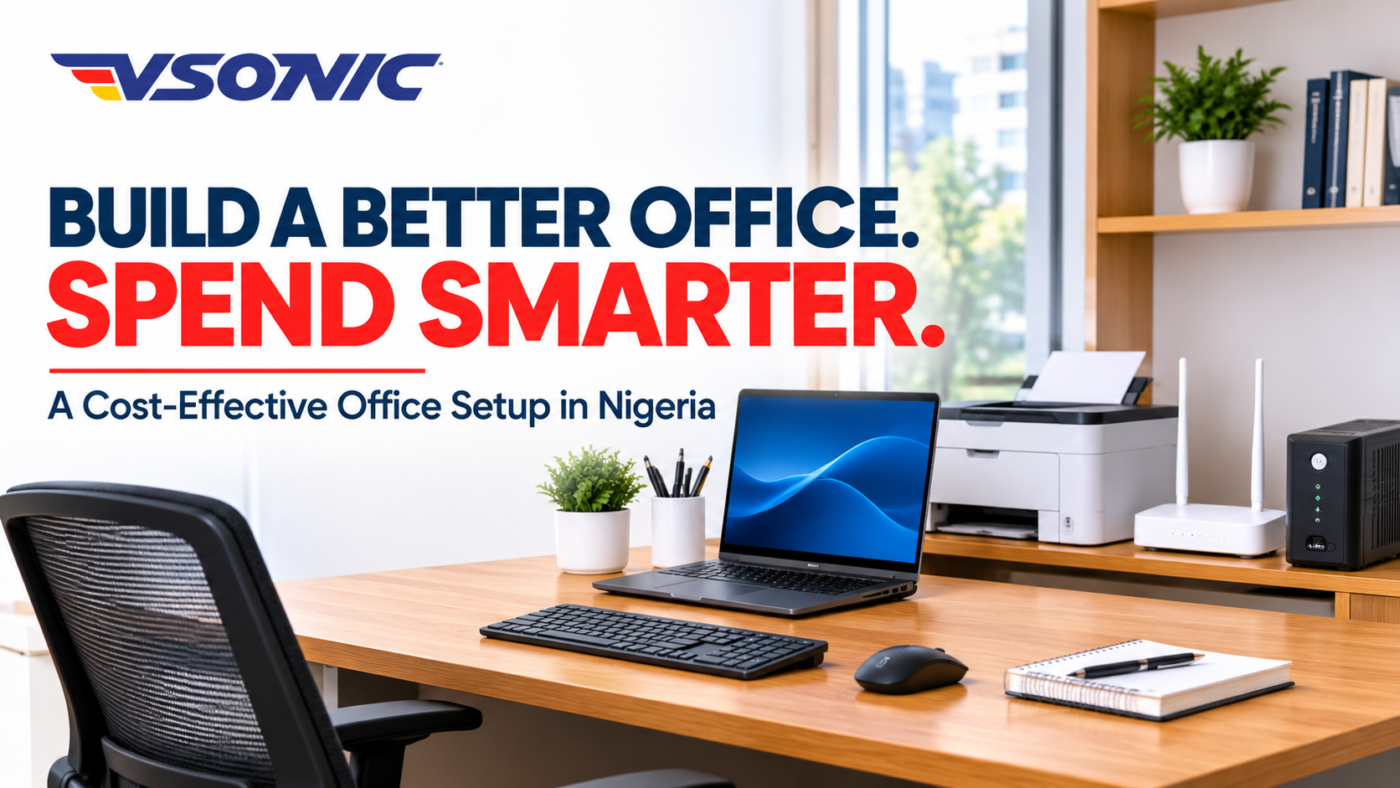
Starting a business or setting up a new workspace in Nigeria can be expensive. Between rent, electricity, furniture, computers and internet access, the costs can quickly add up. But creating a professional and productive workspace does not mean you have to spend a fortune. With the right planning, you can build a cost-effective office setup in Nigeria that meets your business needs without putting unnecessary pressure on your budget.
Whether you run a small business, work remotely, manage a startup or need a functional office for your growing team, the secret is to invest in what matters most, avoid unnecessary purchases and make smart equipment choices.
Here is how to set up an office that is comfortable, efficient and ready for everyday work.
1. Plan Your Office Around Your Actual Needs
Before buying furniture or equipment, decide what your office needs to accomplish.
A small business owner who mainly handles emails, documents and customer enquiries will need a different setup from a graphic designer, accountant, content creator or customer support team.
Start by considering:
- How many people will use the office?
- What type of work will they perform?
- Which equipment is essential for daily operations?
- Will employees work from the office full-time or remotely?
- How much space is available?
- What is your realistic setup budget?
Make a list of essential items and separate them from things you can purchase later.
For example, a basic office may only need a desk, comfortable chair, laptop, internet connection and reliable power arrangement. A larger operation may require printers, monitors, networking equipment and additional workstations.
This simple planning process helps prevent impulse purchases and keeps your office setup within budget.
2. Choose Affordable but Functional Office Furniture
You do not need expensive executive furniture to create a professional workspace. What matters most is comfort, durability and functionality.
Start with the essentials:
Office desk: Choose a desk with enough room for your computer, documents and everyday accessories. A simple, sturdy desk is often sufficient.
Office chair: Avoid compromising too much on seating. Employees who spend several hours working at a desk need chairs that provide adequate support and allow comfortable sitting.
Storage cabinets and shelves: These help keep documents, stationery and office supplies organised. You can start with a small storage unit and expand when necessary.
Meeting furniture: If your business regularly receives clients or holds team meetings, consider a modest meeting table and suitable chairs.
The goal is to create a workspace that looks organised and supports productivity without spending unnecessarily on decorative furniture.
3. Invest in the Right Computer and Office Equipment
Technology is at the centre of many modern businesses. Choosing suitable computers and office equipment can improve productivity and reduce unnecessary expenses.
However, the most expensive equipment is not always the best choice.
Laptops and desktop computers
Choose a computer based on the work it needs to handle.
- For emails, browsing, documents and administrative tasks, a reliable entry-level or mid-range computer may be sufficient.
- For accounting, business management and multitasking, consider a computer with enough memory and storage for your applications.
- For graphic design, video editing and other demanding work, prioritise stronger processing power, memory and suitable graphics capabilities.
If your employees work in different locations or move around frequently, laptops offer flexibility. Desktop computers may be a practical option for fixed workstations.
Monitors
An external monitor can make working with spreadsheets, documents and multiple applications easier. It is particularly useful for employees who spend long hours at a computer.
Keyboards and mice
A comfortable keyboard and mouse can improve everyday computer use. Consider these accessories when setting up workstations.
Printers and scanners
If your business handles invoices, contracts, forms or other physical documents, a printer may be necessary. An all-in-one printer can combine printing, scanning and copying in one device.
Before buying, consider your expected printing volume and the ongoing cost of ink or toner.
4. Set Up Reliable Internet Connectivity
A poor internet connection can slow down business operations, interrupt meetings and make simple tasks frustrating.
For a productive office setup in Nigeria, reliable internet connectivity should be a priority.
Start by checking which internet service providers operate in your area. Depending on local availability, you may consider:
- Fibre broadband
- 4G LTE routers
- 5G broadband routers
- Other fixed or wireless broadband services
Choose a subscription that matches the number of users and the type of work being performed.
For example, an office that mainly handles emails and online documents may have different bandwidth requirements from one where several employees regularly attend video meetings, upload large files or use cloud-based applications.
Also consider the router. A suitable dual-band router can help manage connected devices, while Wi-Fi extenders or mesh systems may improve coverage in larger office spaces.
Do not overlook network security. Use a strong Wi-Fi password, update router firmware and restrict access to authorised users.
5. Plan for Electricity and Backup Power
Electricity interruptions are a practical challenge for many Nigerian businesses. Losing power during an important meeting, transaction or work session can affect productivity.
That is why power planning should be part of your office budget from the beginning.
Depending on your requirements, consider:
UPS (Uninterruptible Power Supply): A UPS can provide temporary backup power for computers and selected equipment, allowing users to save work and shut down safely.
Inverter systems: An inverter with a suitable battery bank can support essential office equipment during power interruptions.
Solar power systems: Solar solutions may help reduce dependence on the grid, depending on the system capacity, installation and energy needs.
Before purchasing a backup system, calculate the total power requirements of the equipment you want to run. Include computers, routers, monitors and other essential devices.
Avoid assuming that a small UPS or inverter can power an entire office. Match the system’s capacity and expected runtime to your actual needs.
6. Organise Your Office With the Right Accessories
Small accessories can make a noticeable difference to everyday office operations.
Consider including:
- Extension sockets and appropriate surge protection
- USB hubs and docking stations
- Laptop stands
- Headsets for calls and virtual meetings
- Webcams and external microphones
- Cable organisers
- Desk lamps
- External storage devices
You do not need to buy everything immediately. Identify the accessories that solve real problems in your workspace and add them gradually.
For example, a USB hub can help employees connect multiple peripherals to a laptop, while a headset can improve call quality in a shared office.
7. Use Affordable Software and Digital Tools
A modern office needs more than physical equipment. The right software can help your team communicate, organise tasks and manage information efficiently.
Depending on your business, useful tools may include:
- Word processing and spreadsheet applications
- Email and calendar services
- Video conferencing platforms
- Cloud storage and file-sharing tools
- Project and task management applications
- Accounting and invoicing software
Look for free plans or affordable subscriptions that meet your requirements. However, always check their limitations, data protection features and licensing terms.
Avoid paying for multiple applications that perform the same function. Start with the tools your team genuinely needs and upgrade when business demands increase.
8. Buy Smart: Compare Quality, Warranty and Long-Term Value
Keeping costs low does not mean buying the cheapest available equipment.
An unreliable computer, poor-quality chair or unsuitable router may require replacement sooner than expected. That can make an initially cheap purchase more expensive over time.
Before buying office equipment, compare:
- Product specifications and performance
- Build quality and expected durability
- Warranty coverage
- Availability of accessories and replacement parts
- Power consumption
- Seller reliability and after-sales support
You can also save money by prioritising essential equipment first and postponing non-essential upgrades.
For a cost-effective office setup in Nigeria, focus on getting dependable equipment that serves your business well rather than filling the office with products you rarely use.
9. Create a Comfortable and Productive Workspace
A well-equipped office should also be comfortable to work in.
Arrange desks to allow enough movement, provide adequate lighting and keep frequently used equipment within easy reach.
Where possible, position workstations to reduce glare on computer screens. Keep cables organised to prevent clutter and potential tripping hazards.
If several people share the workspace, consider noise levels, ventilation and privacy during calls or meetings.
A clean, organised environment makes it easier to concentrate and creates a better impression when clients visit.
Final Thoughts
Building a professional office in Nigeria does not have to drain your business finances. With careful planning, you can create a functional workspace using affordable furniture, suitable computers, reliable internet connectivity and dependable power solutions.
Start with the essentials, compare products before buying and upgrade your equipment as your business grows.
Remember, a successful office setup is not about having the most expensive gadgets or furniture. It is about creating an environment where people can work comfortably, communicate effectively and get things done.
Ready to equip your workspace? Explore the Office, Computing, Connectivity and Power Supply collections on VSONIC.NG for technology and equipment that can help you build a more productive office.
VSONIC.NG – Everything Tech. One Platform. One VSONIC.