
A properly configured Public Address (PA) system can prevent many of these problems. Whether you are organising a small indoor gathering or a large outdoor celebration, understanding how to set up a PA system for events will help you deliver clear, balanced sound that keeps your audience engaged.
You do not necessarily need a complicated professional sound system. With the right equipment, proper speaker placement and a few basic setup techniques, you can achieve excellent results.
Here is how to get started.
1. Understand the Equipment You Need
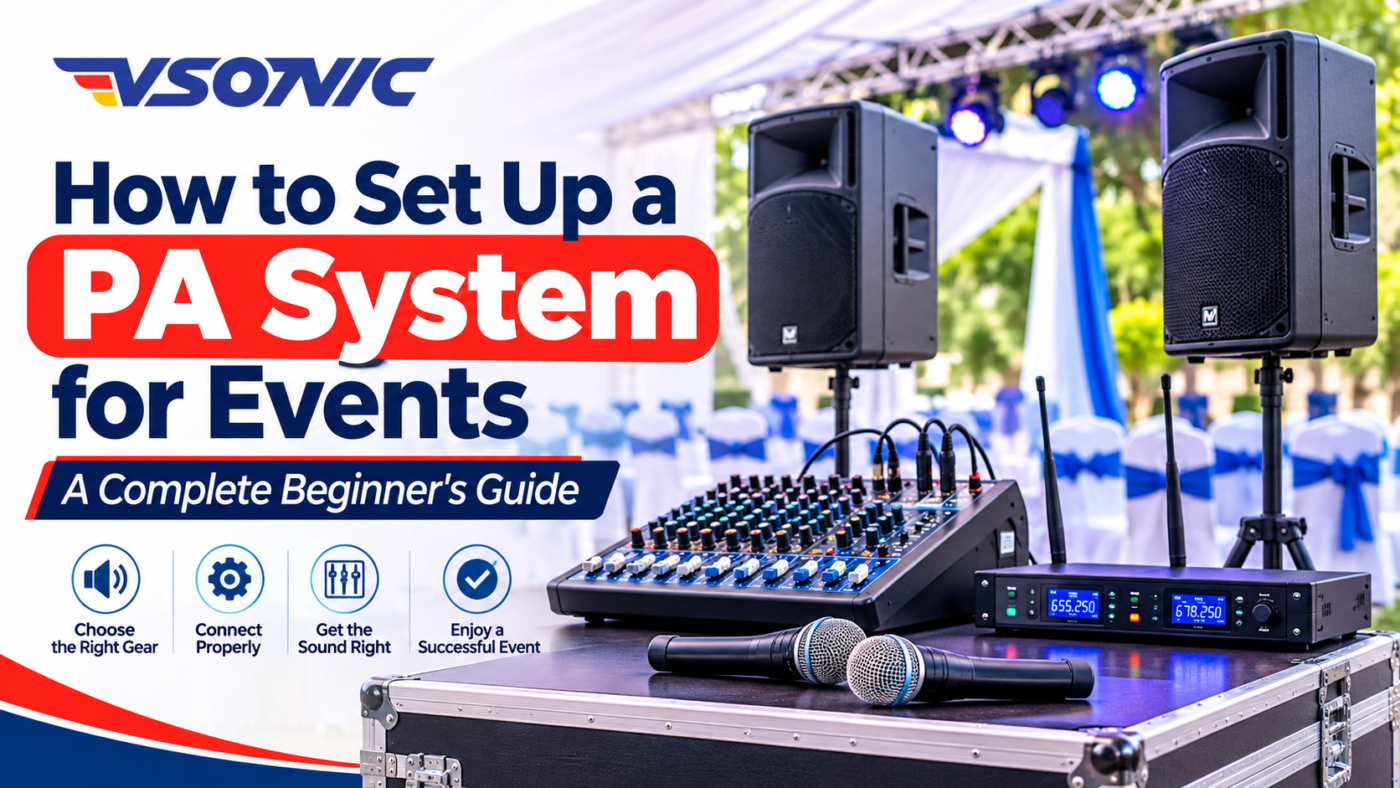
Before connecting anything, understand the basic components of a PA system. Each piece of equipment has a specific role in delivering sound to your audience.
Speakers: These amplify voices, music and other audio sources so that everyone can hear them. Your choice depends on the venue size, audience and type of event.
Microphones: These capture voices and performances. You may need wired or wireless microphones depending on how speakers, presenters and performers will use them.
Audio mixer: A mixer allows you to control different audio sources, including microphones, instruments and music playback. You can adjust their individual volume and sound characteristics.
Power amplifier: An amplifier increases the audio signal to drive passive speakers. If you use powered speakers, the amplifier is already built into each speaker.
Audio cables: These connect your microphones, mixer, amplifiers and speakers. Common options include XLR, ¼-inch and other compatible audio connections.
Speaker stands: These help position speakers at a suitable height for better sound coverage.
You may also need microphone stands, extension cables, power protection equipment and a suitable music playback device.
2. Choose the Right PA System for Your Event
Not every event needs the same sound equipment. Buying or hiring a system without considering the venue and audience can result in poor sound coverage or unnecessary spending.
Here are some general recommendations:
- Small birthday parties and private gatherings: A portable PA speaker with a microphone may be sufficient.
- Weddings and medium-sized celebrations: Consider two suitable PA speakers, a mixer and wireless microphones, depending on the programme.
- Church services and conferences: A mixer with multiple microphone inputs and appropriately positioned speakers may be more suitable.
- School programmes and outdoor events: Consider speaker coverage, audience size, available power and the need for additional speakers.
- Live music performances: You may need a larger mixer, instrument connections, stage monitors and a subwoofer, depending on the performers and venue.
Do not choose equipment based on wattage figures alone. Consider speaker sensitivity, coverage pattern, venue acoustics and the distance sound must travel.
The goal is clear, even sound throughout the audience area, not simply maximum volume.
3. Position Your Speakers Correctly
Speaker placement has a major influence on how your PA system sounds.
Even good-quality speakers can deliver disappointing results when positioned incorrectly.
For a typical two-speaker setup:
- Place the main speakers towards the front of the venue, facing the audience.
- Use stable speaker stands where appropriate.
- Elevate the speakers so their sound can reach the audience without being blocked by people or furniture.
- Angle them towards the listening area to provide suitable coverage.
- Avoid placing them too close to walls or corners if this creates excessive bass or uneven sound.
For outdoor events, pay particular attention to the distance between the speakers and the audience. You may need additional speakers for larger spaces.
If performers need to hear themselves, stage monitors can provide a separate sound feed. Position these carefully to reduce microphone feedback.
4. Connect Your Microphones and Audio Mixer
Once the equipment is positioned, it is time to connect the audio components.
A typical PA signal path looks like this:
Microphones and music sources → Audio mixer → Powered speakers or amplifier → Passive speakers
Follow these steps:
- Connect wired microphones to the appropriate mixer inputs using compatible cables.
- Connect wireless microphone receivers to the mixer.
- Connect laptops, phones or other playback devices to suitable audio inputs.
- Connect the mixer’s main outputs to powered speakers or to the power amplifier.
- If using passive speakers, connect the amplifier to them with suitable speaker cables.
Check the connectors and specifications of your equipment before connecting anything. Never connect an amplifier output to a mixer input.
If your speakers are powered, you generally connect the mixer’s line output directly to the speakers rather than using an additional power amplifier.
5. Power On the System in the Correct Order
Once all connections have been checked, prepare the power supply.
For a typical setup with separate sources, mixer and powered speakers or an external amplifier:
- Turn down the master and channel levels.
- Switch on the audio sources and wireless microphone receivers.
- Switch on the mixer.
- Switch on the power amplifier or powered speakers last.
When shutting down, reverse the order: turn off the amplifiers or powered speakers first, followed by the mixer and other equipment.
This sequence helps reduce loud pops and unexpected sounds that could damage speakers or disturb the audience.
For Nigerian events, also plan for electricity interruptions. Use an appropriate backup power arrangement where necessary, and ensure it can support the equipment’s electrical requirements.
6. Adjust the Sound Levels and Prevent Feedback
One of the most common PA system problems is microphone feedback.
That loud, high-pitched squealing sound usually happens when a microphone picks up sound from a speaker, which is then amplified again.
To reduce feedback:
- Keep the main speakers in front of the microphones.
- Avoid pointing microphones directly towards speakers.
- Do not place wireless microphones too close to speakers.
- Turn down microphones that are not being used.
- Keep microphone volume at an appropriate level.
You should also adjust the mixer correctly.
Start with low levels, then test each microphone and audio source individually. Gradually increase the input gain until the signal is strong without triggering clipping or distortion.
Adjust the channel faders and master output to achieve a balanced mix.
Avoid trying to solve every sound problem by increasing the volume. Sometimes moving a speaker or microphone can improve clarity more effectively.
7. Perform a Proper Sound Check Before Guests Arrive
Never wait until the event begins before testing your PA system.
A proper sound check gives you time to identify problems and make adjustments.
Check the following:
- Every microphone works correctly.
- Music playback is clear.
- Both speakers are producing sound.
- Microphone levels are balanced.
- There is no unwanted humming, buzzing or feedback.
- The sound reaches the front, middle and back of the audience area.
- Wireless microphones maintain a reliable connection throughout the intended performance area.
If possible, test the system with the actual presenter, MC or performers. Their speaking and performance styles can affect the final sound levels.
Also, remember that an empty hall may sound different once guests arrive. Leave room for minor adjustments during the event.
8. Avoid These Common PA System Setup Mistakes
A few preventable mistakes can affect the entire event.
Using undersized speakers: Speakers that cannot adequately cover the venue may leave guests struggling to hear.
Poor microphone placement: Microphones positioned too close to speakers can cause feedback.
Overloading the mixer: Too many audio signals or excessive input gain can produce distortion.
Using incompatible cables: Always check the connection types and equipment requirements.
Ignoring power requirements: An unsuitable power source or overloaded extension can interrupt the event.
Skipping the sound check: Testing equipment before guests arrive gives you time to correct problems.
Avoiding these mistakes can make your sound setup more reliable and professional.
Final Thoughts
Setting up a PA system for events is easier when you understand the equipment, plan your connections and position your speakers correctly.
Whether you are preparing for a wedding, birthday celebration, church service, conference or outdoor gathering, prioritise clear sound, suitable equipment and a proper sound check.
You do not need the biggest sound system to deliver a great event. You need one that matches your venue, audience and programme.
Ready to improve your event sound setup? Explore the Multimedia collection on VSONIC.NG for audio equipment and accessories that can support your sound and event production needs.
VSONIC.NG – Everything Tech. One Platform. One VSONIC.