
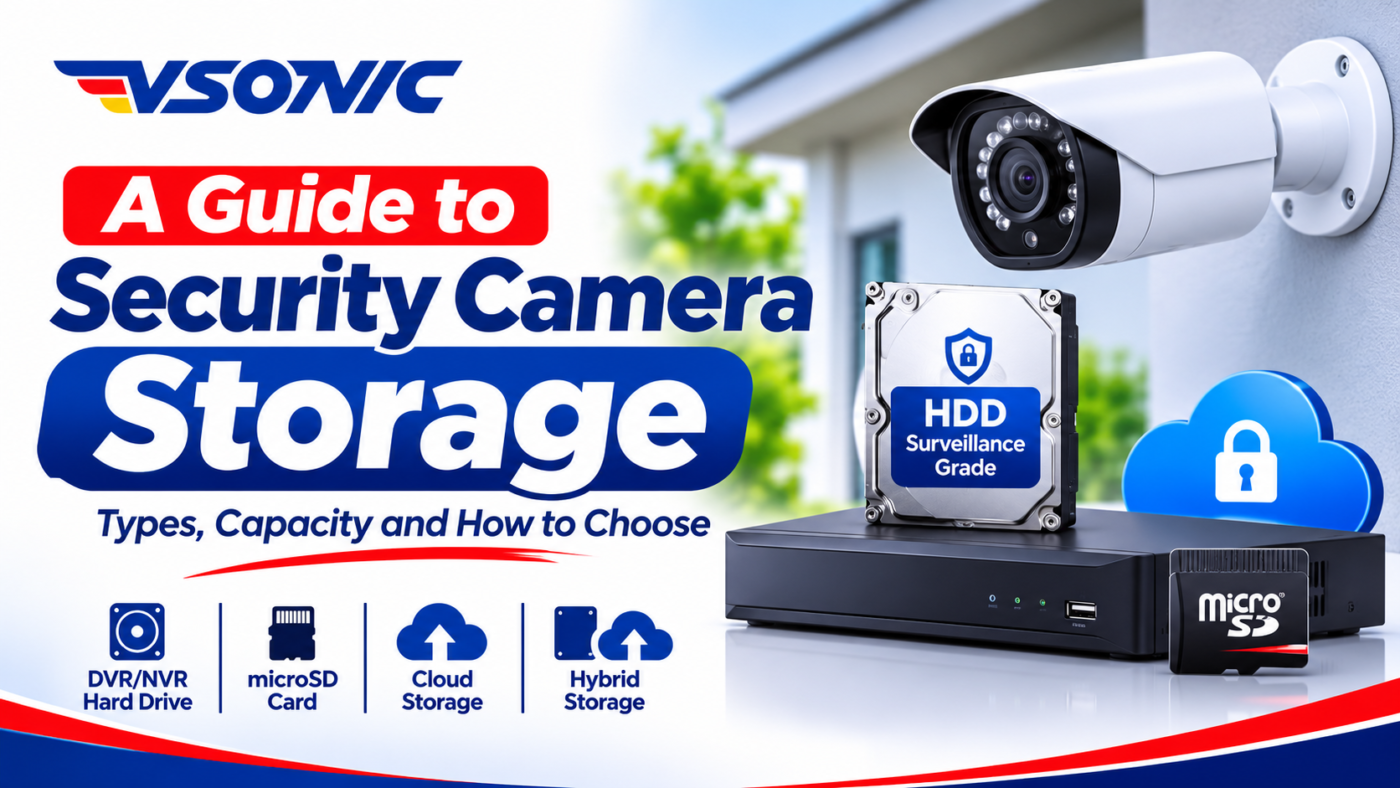
A CCTV system that captures clear video but cannot retain important recordings may not provide the protection you expect. Whether you are installing cameras in a Nigerian home, retail store, office or commercial property, understanding security camera storage will help you choose the right recording solution and avoid losing important footage.
From DVR and NVR hard drives to memory cards and cloud storage, here is what you need to know before choosing a storage system for your security cameras.
1. Understand How Security Camera Storage Works
Security cameras capture video, but the footage needs somewhere to be saved before you can review it.
Depending on the camera and surveillance system, recordings may be stored on:
- A hard drive inside a DVR or NVR recorder.
- A microSD card installed directly in a compatible camera.
- A cloud storage platform.
- A combination of local and cloud storage.
The storage method determines how footage is saved, accessed and retained.
For example, a shop with eight CCTV cameras may use an NVR connected to a surveillance hard drive, while a homeowner with one Wi-Fi camera may prefer a model that supports microSD card recording.
The right option depends on the number of cameras, recording requirements, available internet connection and how long you want to keep footage.
2. Types of Security Camera Storage
DVR and NVR Hard Drive Storage
<AsyncImage query=”CCTV DVR NVR network video recorder surveillance hard disk storage equipment” aspectRatio=”16:9″ width=”100%”/>
Hard drive storage is a common option for multi-camera surveillance installations.
A Digital Video Recorder (DVR) typically records footage from compatible analogue camera systems, while a Network Video Recorder (NVR) records video from IP cameras over a network.
Both systems can use internal hard drives to store recorded footage.
Advantages:
- Suitable for multiple-camera installations.
- Can support continuous recording.
- Offers substantial storage capacity, depending on the recorder and drive.
- Allows users to search and review recorded footage.
What to consider: Choose a hard drive designed or rated for surveillance recording workloads. Check the recorder’s supported drive capacity, number of drive bays and compatibility before purchasing.
MicroSD Card Storage
<AsyncImage query=”microSD memory card beside compact indoor WiFi security camera” aspectRatio=”16:9″ width=”100%”/>
Some modern security cameras have a microSD card slot that allows footage to be saved directly inside the camera.
This is particularly useful for homes, small offices and locations where a separate recorder may not be necessary.
Advantages:
- Simple storage arrangement for compatible cameras.
- Does not require a separate DVR or NVR.
- Useful for smaller installations.
- Some cameras support motion-triggered recording and automatic overwriting.
What to consider: Check the camera’s maximum supported card capacity and recommended card type. Choose a high-endurance memory card designed for repeated recording rather than assuming an ordinary memory card is suitable for continuous surveillance.
Cloud Storage
<AsyncImage query=”cloud video surveillance storage concept security camera smartphone laptop” aspectRatio=”16:9″ width=”100%”/>
Cloud storage allows compatible security cameras to upload recordings to remote servers through an internet connection.
Depending on the service, users may be able to view, download and manage footage remotely.
Advantages:
- Remote access to supported recordings.
- Footage can remain accessible even if the camera or local recorder is damaged or stolen, provided uploads have completed.
- No local hard drive may be required for cloud-only recording plans.
What to consider: Cloud services may require recurring subscriptions, reliable internet connectivity and sufficient upload bandwidth. Check the provider’s storage limits, retention period, privacy controls and subscription conditions.
Hybrid Storage
Some surveillance systems combine local storage with cloud recording.
For example, a camera may save footage to a memory card while also uploading selected recordings to the cloud.
This arrangement can provide additional flexibility, although the exact features depend on the camera and service.
It is worth considering if you want local recording alongside remote access or an additional copy of important footage.
3. How Much Storage Do Your Security Cameras Need?
One of the most important decisions when choosing CCTV storage is determining how much recording capacity your system requires.
There is no single storage size that works for every installation. Your requirements depend on several factors:
Number of cameras: More cameras generally produce more recorded data.
Video resolution: Higher-resolution footage can require more storage, depending on the configured bitrate and compression.
Frame rate: Recording more frames per second can increase storage requirements.
Compression: Formats such as H.264 and H.265 help reduce video file sizes, although the actual savings depend on the recording settings and scene.
Recording schedule: Continuous recording uses more storage than recording only during selected hours or detected events.
Retention period: The longer you want to keep footage, the more storage you need.
A Simple CCTV Storage Calculation
For continuous recording, a useful planning estimate is:
Daily storage (GB) = Camera bitrate (Mbps) × 10.8
Multiply the result by the number of cameras and the number of recording days.
For example, suppose you have four cameras, each recording at an average bitrate of 2 Mbps, and you want to retain footage for 30 days.
- Daily storage per camera: 2 × 10.8 = 21.6GB.
- Four cameras: 21.6 × 4 = 86.4GB per day.
- Thirty days: 86.4 × 30 = 2,592GB.
You would therefore need approximately 2.6TB of raw storage, before allowing for system overhead and additional capacity.
Actual requirements can differ because recording bitrates change with camera settings and scene activity. Use the recorder manufacturer’s storage calculator or measured camera bitrates for a more accurate estimate.
4. How Long Should You Keep Security Camera Footage?
The appropriate recording retention period depends on your security needs.
A household may only need a relatively short recording history, while a busy shop, warehouse or office may need longer access to footage.
Consider:
- How quickly you would normally discover a security incident.
- How long it may take to investigate missing stock or property damage.
- Whether the premises operate around the clock.
- Your available storage capacity.
- Any applicable legal, regulatory or contractual requirements.
Remember that many CCTV recorders use loop recording. When the storage becomes full, the system automatically overwrites older footage to make room for new recordings.
Do not assume your system keeps recordings for 30 days simply because that is what you expect. Check the actual retention period after installation.
5. Tips for Managing Your Security Camera Storage
Choosing the right storage device is only part of the process. Proper management helps ensure important recordings remain available when needed.
Use suitable recording settings: Balance video quality, frame rate and storage capacity according to your security requirements.
Monitor storage capacity: Check available space and confirm that recording is working correctly.
Choose reliable storage devices: Use surveillance-rated hard drives or high-endurance memory cards recommended for your camera system.
Protect access to recordings: Use strong passwords and restrict access to authorised users.
Export important footage: If an incident occurs, save the relevant recording to a separate secure location before it is overwritten.
Check your backup arrangements: Local storage can be lost through theft, physical damage or device failure. Consider an additional protected copy for footage that is particularly important.
6. How to Choose the Right Security Camera Storage Solution
Before buying a storage device or surveillance recorder, consider the following:
| Your requirement | Storage option to consider |
|---|---|
| One or two compatible cameras | microSD card |
| Multiple CCTV cameras | DVR/NVR hard drive |
| Remote recording access | Cloud storage |
| Local recording plus additional remote copy | Hybrid storage |
| Large surveillance installation | Professionally planned NVR/storage system |
Also confirm device compatibility, supported storage capacity, recording resolution and the number of cameras your recorder can handle.
For larger installations, professional planning is advisable to ensure the recorder, network and storage capacity can support the complete system.
Final Thoughts
Security camera storage is just as important as choosing the cameras themselves. Without sufficient and reliable recording capacity, you may lose access to important footage before you have an opportunity to review it.
Whether you need a microSD card for a home security camera, a surveillance hard drive for a retail store or a cloud-based recording solution, choose a system that matches your camera setup, budget and retention requirements.
Looking to build or improve your surveillance system? Explore the Surveillance collection on VSONIC.NG for security cameras and related equipment to support your home and business security needs.
VSONIC.NG – Everything Tech. One Platform. One VSONIC.