
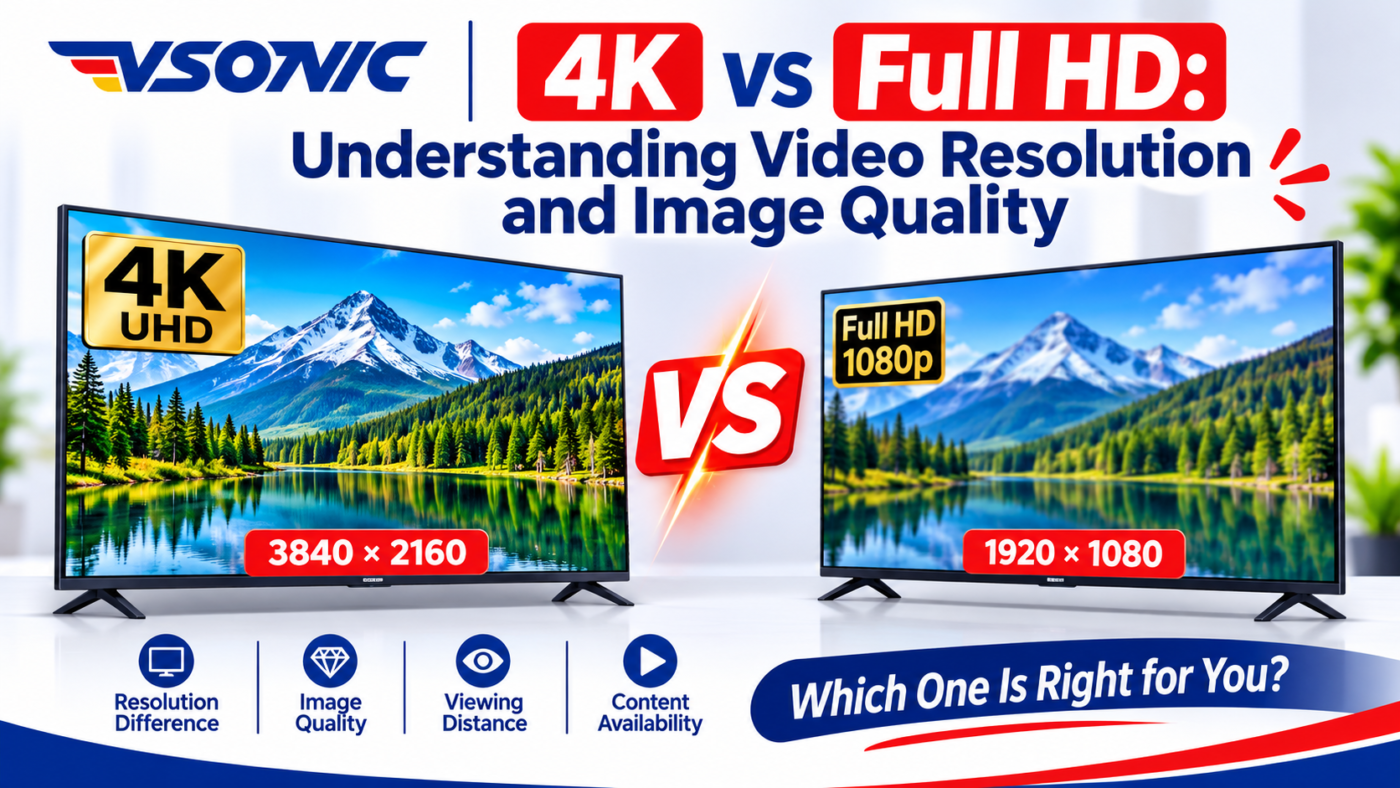
When shopping for a television, monitor, projector or security camera, you will often come across terms such as Full HD, 1080p, 4K and Ultra HD. But what do they actually mean, and is 4K always better? Understanding 4K vs Full HD can help you choose the right display or camera without spending more than necessary.
Both resolutions can deliver clear, enjoyable images, but they differ in the amount of detail they can display. The best option depends on your screen size, viewing distance, intended use, budget and the quality of the content you watch or record.
Let’s break down the differences and what they mean when buying technology.
1. What Is Full HD Resolution?
Full HD, also called FHD or 1080p, is a video resolution of 1920 × 1080 pixels.
This means an image contains approximately 2.07 million pixels arranged across the screen. These tiny picture elements combine to create the images, colours and details you see.
Full HD remains a practical resolution for many everyday activities, including:
- Watching television programmes and movies.
- Streaming online videos.
- Attending video conferences.
- Working with documents and presentations.
- Playing games on compatible displays.
- Monitoring security camera footage.
For smaller screens and ordinary viewing distances, Full HD can provide a sharp and satisfying picture.
2. What Is 4K Resolution?
4K, commonly referred to as 4K UHD or Ultra HD in consumer televisions, has a resolution of 3840 × 2160 pixels.
That gives it approximately 8.29 million pixels, which is four times the total pixel count of Full HD.
The additional pixels allow a 4K display to show finer details, sharper edges and more visual information, particularly when viewing high-quality 4K content.
You may notice the difference when watching nature documentaries, sports, movies and other content with plenty of fine detail.
However, owning a 4K television does not automatically mean everything you watch will be displayed in native 4K. The video source must also provide suitable 4K content.
3. 4K vs Full HD: What Are the Main Differences?
Here is a simple comparison:
| Feature | Full HD (1080p) | 4K UHD (2160p) |
|---|---|---|
| Resolution | 1920 × 1080 | 3840 × 2160 |
| Approximate pixel count | 2.07 million | 8.29 million |
| Pixel detail | Good | Greater detail |
| Content availability | Widely available | Increasingly available |
| Storage requirements | Generally lower | Generally higher |
| Streaming data needs | Usually lower | Usually higher |
| Typical use | Everyday viewing and computing | Detailed viewing, gaming and professional content |
The biggest technical difference is resolution. A 4K screen has four times as many pixels as a Full HD screen of the same dimensions.
This can make images appear sharper, especially on larger displays or when sitting closer to the screen.
4. Does 4K Always Mean Better Image Quality?
Not necessarily. This is one of the most important things to understand before buying a television, monitor or camera.
Resolution determines how many pixels make up an image, but overall image quality depends on several other factors.
Display panel quality: Two televisions with the same resolution can produce noticeably different pictures because of differences in panel technology and processing.
Colour accuracy: A display’s ability to reproduce natural and accurate colours affects how realistic an image looks.
Brightness and contrast: These determine how well a screen displays bright scenes, dark areas and differences between light and shadow.
HDR support: High Dynamic Range can improve the range of brightness and colour detail in compatible content. However, actual HDR performance depends on the display’s capabilities.
Video source quality: A poorly recorded or heavily compressed video will not automatically become clear simply because it is displayed on a 4K screen.
In other words, a good-quality Full HD display can sometimes look better than a poorly performing 4K display.
5. How Screen Size and Viewing Distance Affect Your Choice
The benefits of higher resolution become easier to appreciate as screen size increases or when you sit closer to the display.
For example, a 32-inch television used from across a small room may not show an obvious difference between Full HD and 4K to every viewer.
However, on a larger television, the additional detail provided by 4K may be more noticeable, particularly when watching native 4K content.
Before buying, consider:
- Screen size: Larger screens can benefit more visibly from higher resolution.
- Viewing distance: Sitting closer makes fine image details easier to distinguish.
- Room arrangement: Consider where the television or monitor will be positioned.
- Content quality: Make sure you can access content that takes advantage of the display’s resolution.
Do not choose a display based on resolution alone. Consider the complete viewing experience.
6. What About 4K and Full HD for Security Cameras?
Resolution is not only important when choosing televisions and monitors. It also matters when purchasing surveillance cameras.
A Full HD security camera records video at 1920 × 1080 pixels, while a 4K camera can capture video at 3840 × 2160 pixels.
The higher resolution can provide more detail, which may help when reviewing recordings or monitoring larger areas.
However, choosing a security camera requires more than comparing pixel counts.
Consider:
- Night vision performance.
- Lens quality and field of view.
- Sensor performance.
- Video compression.
- Recording bitrate.
- Available storage capacity.
- Lighting conditions around the installation.
A 4K camera may also require more storage and network bandwidth than a comparable Full HD camera, depending on its recording settings and compression.
If you are installing several cameras, plan your storage capacity before purchasing the equipment.
7. Does 4K Use More Internet Data?
Generally, yes. Streaming 4K video usually requires more bandwidth and data than streaming the same content in Full HD.
This is particularly important if you rely on mobile data or a limited internet subscription in Nigeria.
The actual data consumption depends on the streaming platform, video bitrate, compression, frame rate and viewing settings.
If you regularly stream movies or online videos, consider whether your internet plan can comfortably support 4K playback.
You should also remember that not every streaming platform or video offers 4K quality. Check the content and subscription requirements before paying extra for a higher-resolution streaming option.
8. Should You Buy a 4K or Full HD Device?
The right choice depends on what you intend to use it for.
Choose Full HD if:
- You want a display for everyday tasks and general entertainment.
- Your preferred screen size and viewing distance make Full HD sufficient.
- You mainly watch Full HD content.
- You want to manage your purchase budget carefully.
Consider 4K if:
- You want more detail on a larger television or monitor.
- You regularly watch native 4K movies and videos.
- You work with high-resolution photography or video content.
- You want a display suited to compatible 4K gaming or creative workflows.
- You are purchasing a surveillance camera where additional image detail is useful.
Before making a decision, compare the actual product specifications, panel quality, connectivity, warranty and price.
Final Thoughts
Understanding 4K vs Full HD makes it easier to choose the right technology for your home, office or business.
Full HD remains a capable option for everyday viewing and computing, while 4K offers greater detail for compatible displays, content and surveillance applications.
However, the best choice is not always the one with the highest resolution. Consider your intended use, screen size, viewing distance, content availability, internet requirements and budget.
Looking for televisions, monitors, multimedia equipment or surveillance cameras? Explore the relevant categories on VSONIC.NG to discover technology that suits your needs.
VSONIC.NG – Everything Tech. One Platform. One VSONIC.