
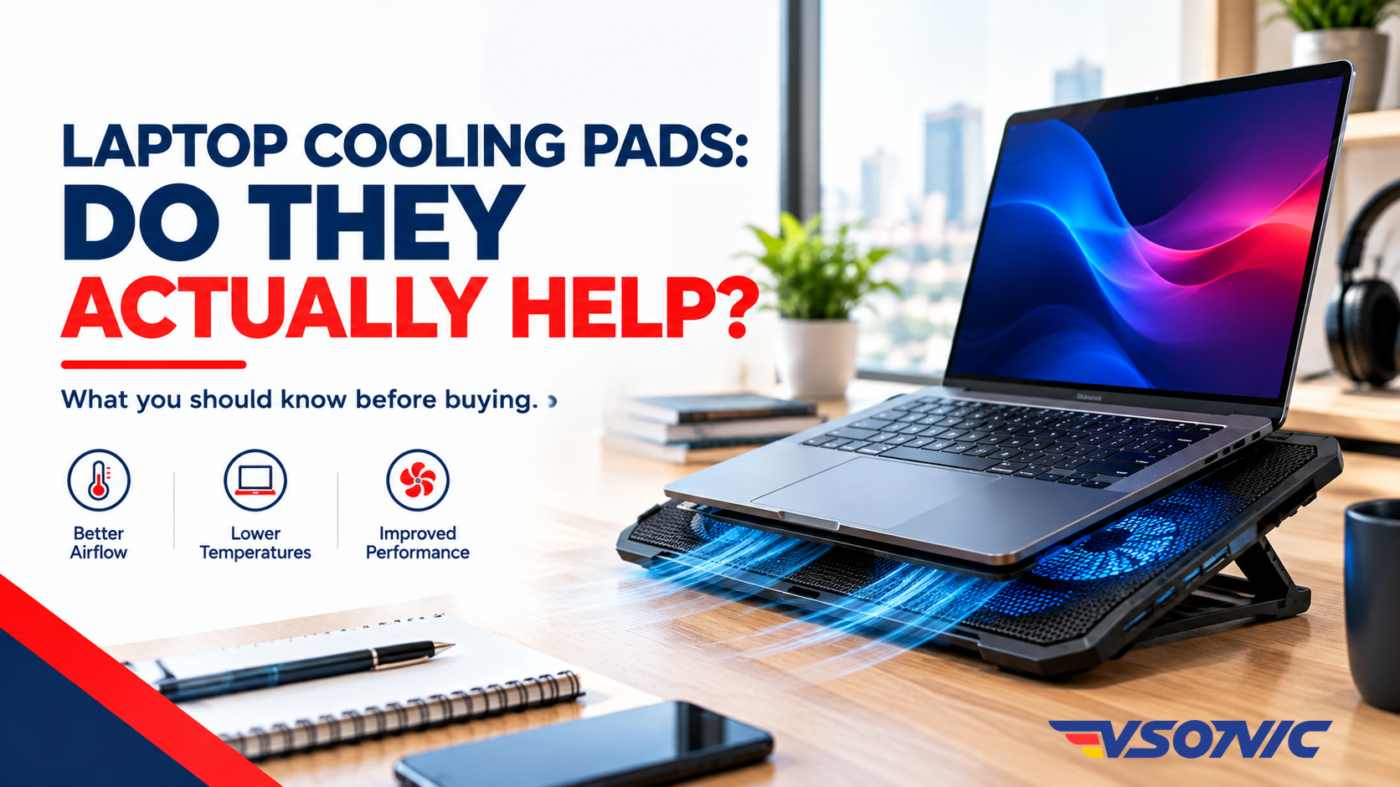
If your laptop gets hot while working, gaming, or watching videos, you may have considered buying a laptop cooling pad. These accessories are widely promoted as a simple way to improve airflow, reduce heat, and keep your laptop running comfortably.
But do laptop cooling pads actually work? And are they worth buying?
The answer depends on your laptop, how you use it, and what is causing it to heat up. A cooling pad can help in some situations, especially when your laptop struggles with airflow or sustained workloads. However, it cannot fix every overheating problem.
In this guide, we explain how laptop cooling pads work, their benefits and limitations, and how to decide whether you need one.
What Is a Laptop Cooling Pad?
A laptop cooling pad is an accessory designed to help manage heat while you use your computer. Most models feature a raised platform, one or more fans, and a surface that supports your laptop.
The fans draw in air and direct it towards the underside of the laptop. This additional airflow may help remove heat from the laptop’s casing and cooling vents.
Some cooling pads also raise the laptop at an angle. As a result, they can improve the position of certain air intakes and make typing more comfortable.
Cooling pads are available in different sizes and designs. Basic models may have a single fan, while more advanced options feature multiple fans, adjustable speeds, USB connections, and ergonomic stands.
However, not every laptop needs one. Whether a cooling pad helps depends largely on the laptop’s existing cooling system and the way you use it.
Do Laptop Cooling Pads Actually Work?
Yes, laptop cooling pads can help, but the results vary.
A cooling pad may reduce temperatures when its airflow supports the laptop’s built-in cooling system. This can be particularly useful when the laptop is handling demanding tasks for extended periods.
For example, gaming, video editing, software development, and other intensive workloads can cause a laptop’s processor and graphics hardware to generate considerable heat.
In these situations, additional airflow may help the laptop dissipate heat more effectively.
Nevertheless, the improvement is not guaranteed. Some laptops have intake vents positioned where a cooling pad can provide useful airflow, while others have different cooling designs that limit the benefit.
The quality of the cooling pad also matters. A model with poorly positioned fans may provide little improvement, even if it looks impressive.
Therefore, do not assume that buying a cooling pad will automatically make your laptop significantly cooler. Its effectiveness depends on the combination of laptop design, airflow, workload, and surrounding conditions.
5 Benefits of Using a Laptop Cooling Pad
1. It Can Help Reduce Laptop Temperatures
One of the main reasons people buy cooling pads is to manage heat.
When a laptop’s cooling system receives sufficient airflow, it may be able to remove heat more effectively. A cooling pad can support this process by directing air towards suitable intake areas.
However, the temperature difference varies between laptops and cooling pads. Some combinations may show a noticeable improvement, while others may produce only a small change.
2. It May Help Maintain Performance
When a laptop becomes too hot, it may reduce processor or graphics performance to control its temperature. This behaviour is known as thermal throttling.
Consequently, demanding applications may run more slowly when the system cannot manage heat effectively.
If additional airflow helps control temperatures, a cooling pad may reduce thermal throttling under certain conditions.
However, it will not guarantee faster performance. Your laptop’s hardware, workload, power settings, and existing cooling system all influence the result.
3. It Can Improve Comfort During Long Sessions
Some laptops become uncomfortable to use when their surfaces grow warm during extended workloads.
A cooling pad can create space between the laptop and the desk, while some designs improve the angle of the keyboard.
As a result, you may find the setup more comfortable for long working or study sessions.
Keep in mind that a cooling pad does not necessarily cool every part of the laptop’s exterior. Its effect depends on the design and where heat accumulates.
4. It Can Improve Laptop Positioning
Not every benefit of a cooling pad comes from its fans.
Many models raise the laptop above the desk, which can help prevent the underside from sitting directly against a flat surface. This positioning may improve airflow when the laptop’s air intake is located underneath.
In addition, a raised screen can provide a more comfortable viewing angle.
For people who spend hours working on laptops, this ergonomic benefit may be just as useful as the cooling function.
5. It Can Support Demanding Workloads
Gamers, video editors, designers, and professionals who run demanding applications may benefit from improved airflow.
These activities can keep the processor and graphics hardware busy for extended periods. Therefore, managing heat becomes particularly important.
A suitable cooling pad may help support the laptop’s built-in thermal management during these sessions.
Nevertheless, users should also ensure that the laptop’s vents are clean and unobstructed. A cooling pad cannot compensate for every underlying cooling problem.
When Is a Laptop Cooling Pad Worth Buying?
A cooling pad is most useful when it addresses a specific need.
Consider one if you regularly experience any of the following situations:
- Your laptop becomes noticeably hot during gaming or demanding work.
- You use processor-intensive applications for long periods.
- Your laptop has bottom-facing air intakes that can benefit from additional airflow.
- You want a raised platform for a more comfortable working position.
- Your laptop’s temperatures improve when airflow around its underside increases.
For example, a student running demanding software or a professional editing videos for several hours may find a cooling pad useful.
Similarly, someone using a laptop in a warm Nigerian room may benefit from better airflow, particularly when the computer is under heavy load.
However, warm weather alone does not mean every laptop needs a cooling pad. The laptop’s temperature, ventilation, workload, and cooling design are more important considerations.
When Will a Cooling Pad Not Help Much?
Although cooling pads can be useful, there are situations where their benefits may be limited.
A blocked or dirty cooling system: Dust can restrict airflow through internal fans and heat sinks. A cooling pad cannot remove dust trapped inside the laptop.
Dried thermal paste or hardware problems: Some overheating issues require professional servicing rather than an external accessory.
Poorly positioned vents: If the cooling pad’s fans do not align with the laptop’s air intakes, the improvement may be minimal.
Light everyday use: A laptop used mainly for typing documents, browsing websites, and checking emails may not generate enough heat to benefit significantly.
An unsuitable cooling pad: A poorly designed model may provide little useful airflow, even when it has several fans.
Therefore, identify the cause of excessive heat before spending money on a cooling accessory.
How to Choose the Right Laptop Cooling Pad
If you decide to buy one, consider these important features.
Laptop Size and Fit
Choose a cooling pad that supports your laptop’s screen size and weight. A stable platform helps prevent movement and provides a better working position.
Also, check whether the pad’s dimensions suit your laptop, particularly if you use a larger gaming or workstation model.
Fan Placement and Airflow
The number of fans is not the only factor that matters.
Instead, look for a design that directs airflow towards your laptop’s intake vents. If possible, check the laptop’s ventilation layout before choosing a model.
A well-positioned fan can be more useful than several fans that direct air towards areas where it provides little benefit.
Adjustable Fan Speed
Some cooling pads allow users to adjust fan speed.
This feature can help you balance airflow and noise according to your workload. Higher speeds may provide more airflow, but they can also increase noise.
Build Quality and Stability
Choose a cooling pad with a sturdy frame and a surface that holds your laptop securely.
Non-slip supports are useful, particularly when the stand is raised. Adjustable height settings may also improve comfort during long sessions.
USB Connectivity
Many cooling pads draw power through a USB connection. Before buying, check how the device connects and whether its power requirements suit your setup.
If your laptop has limited USB ports, a model with convenient connectivity options may be worth considering.
Noise Level
Fan noise can become distracting during meetings, online classes, or quiet work.
If you frequently work in a shared office or study environment, consider a cooling pad designed for quieter operation.
Other Ways to Prevent Laptop Overheating
Before buying a cooling pad, try these practical steps.
- Keep ventilation clear. Use your laptop on a hard, flat surface rather than a bed, pillow, or thick fabric.
- Clean the vents. Dust buildup can restrict airflow. Seek professional cleaning if the internal cooling system needs attention.
- Reduce unnecessary workloads. Close applications and browser tabs you do not need, especially when running demanding software.
- Improve room ventilation. A cooler, well-ventilated environment can help your laptop dissipate heat.
- Check your power settings. High-performance settings can increase heat generation during demanding tasks.
- Monitor temperatures. Use a reputable monitoring tool to understand whether the laptop is running unusually hot under normal workloads.
If your laptop frequently shuts down, becomes unusually hot during light use, or makes abnormal fan noises, have it inspected by a qualified technician.
These symptoms may indicate a cooling problem that an external pad cannot resolve.
Are Laptop Cooling Pads Worth the Money?
For some users, yes. For others, they may be an unnecessary expense.
If your laptop handles demanding workloads, struggles with airflow, or would benefit from a raised stand, a cooling pad may provide useful advantages.
On the other hand, if your laptop operates normally during everyday tasks, you may see little benefit from purchasing one.
The best approach is to assess your laptop’s behaviour first. Check its ventilation, workload, and operating temperatures before deciding whether an additional cooling accessory is necessary.
Ultimately, a cooling pad should complement a properly functioning laptop cooling system, not replace routine maintenance or professional repairs.
Final Verdict: Should You Buy a Laptop Cooling Pad?
Laptop cooling pads can help manage heat, improve airflow, and support comfortable working conditions. However, their effectiveness depends on the laptop’s design, the quality of the cooling pad, and how demanding your daily activities are.
For gamers, content creators, and professionals running intensive applications, a suitable model may be a worthwhile accessory. Meanwhile, casual users may benefit more from keeping their laptop vents clear and using the computer on a suitable surface.
The smartest decision is to choose based on your actual needs rather than assuming every laptop requires extra cooling.
Looking for technology products and accessories for your home, office, or everyday computing needs? Visit VSONIC.NG to explore available products.
Everything Tech. One Platform. One VSONIC.