
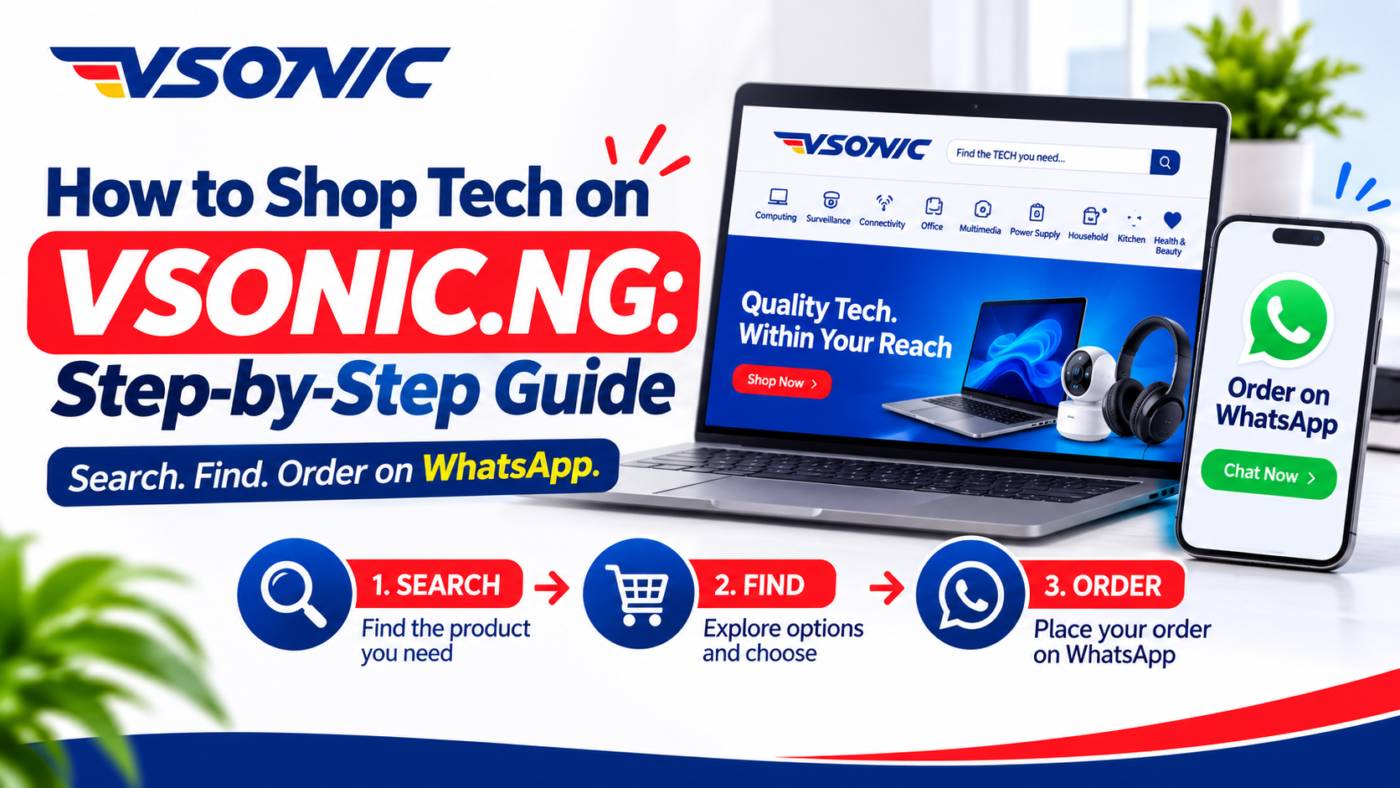
Looking for a laptop, CCTV camera, rechargeable fan, kitchen appliance, router or any other technology product? You do not have to spend hours visiting different stores to find what you need. With VSONIC.NG, you can explore a wide range of electronics, gadgets and everyday technology products online, find the item you want and place your order through WhatsApp.
Whether you are shopping for yourself, your home, office, school or business, the process is straightforward.
The shopping journey is simple: Search. Find. Order on WhatsApp.
Here is a step-by-step guide to shopping on VSONIC.NG.
Step 1: Visit VSONIC.NG
Start by opening your browser and visiting www.vsonic.ng.
You will arrive at the VSONIC.NG homepage, where you can begin exploring the available products and categories.
You can shop from your smartphone, tablet or computer. The website gives you access to different technology and lifestyle product categories in one place.
Step 2: Search for the Product You Need
Already know what you want? Use the website’s search field to find it.
Look for the search bar labelled “Find the TECH you need…” and enter the product name or a relevant keyword.
For example, if you need a laptop, you can search for “HP laptop”. If you are looking for a security camera, try “CCTV camera”. You can also search for products such as:
- Wireless routers
- Power banks
- Blenders
- Inverters
- Printers
- Rechargeable fans
- Hair clippers
For better results, use a specific product name or model number if you know it.
Tip: If your first search does not show what you want, try a shorter or alternative product name.
Step 3: Browse Product Categories
Not sure of the exact product name? No problem. You can browse the website by category instead.
VSONIC.NG brings together products across nine major categories:
- Surveillance: CCTV cameras, security systems, access control and monitoring equipment.
- Computing: Laptops, tablets, computer accessories and storage devices.
- Connectivity: Routers, modems, networking devices and connectivity accessories.
- Office: Printers, scanners, office electronics and supplies.
- Multimedia: Speakers, microphones, studio and audio equipment.
- Power Supply: Inverters, UPS systems, batteries, voltage regulators and power accessories.
- Household: Fans, televisions, lighting, cleaning equipment and other home electronics.
- Kitchen: Blenders, cookers, mixers and kitchen appliances.
- Health & Beauty: Grooming equipment, personal care tools, fitness and wellness products.
Choose the category that matches what you need and explore its available products.
Browsing by category is particularly useful when you are comparing different options or discovering products you may not have considered.
Step 4: Find and Select Your Preferred Product
Once you have searched or opened a category, browse the available product listings.
When you find something interesting, select the product to view its product information.
Pay attention to:
- The product name and model.
- Available specifications and features.
- Product images.
- Displayed price, where provided.
- Other important details in the description.
Take a moment to review the information before proceeding.
If you are comparing similar products, check their specifications carefully. Two gadgets may look alike but offer different features or capabilities.
If you cannot find an important detail, you can ask the VSONIC team for clarification through WhatsApp before placing your order.
Step 5: Click the WhatsApp Order Option
Found the product you want? You are now ready to place your order.
On the product page, use the available Order on WhatsApp option to contact the VSONIC team.
This takes you from browsing the website to a WhatsApp conversation where you can discuss the product and proceed with your purchase.
You do not need to continue searching for a separate checkout process. WhatsApp is the channel for taking your selected product forward.
Step 6: Confirm Your Order Details on WhatsApp
Once you connect with the VSONIC team, provide the necessary information to help them process your request.
It is helpful to confirm:
- Product: The exact product name and model you selected.
- Quantity: How many units you want to purchase.
- Availability: Confirm that the product is available.
- Price: Verify the current selling price.
- Delivery or pickup: Explain how you would like to receive your order.
- Location: Provide your delivery address or preferred pickup location.
If you have questions about specifications, compatibility, colours or other product details, this is also a good time to ask.
For a smoother conversation, you can send a message like this:
“Hello VSONIC, I found this product on your website and would like to place an order. Please confirm its availability, current price and delivery options.”
You can also share the product link or screenshot to help the team identify the exact item.
Step 7: Complete Your Purchase
After confirming the product, price, availability and delivery arrangements, follow the instructions provided by the VSONIC team to complete your purchase.
Make sure you understand the agreed payment and delivery arrangements before making payment.
Keep your order and payment confirmation details for reference.
If you need clarification at any point, ask before proceeding. The goal is to make sure you are ordering the correct product and understand the next steps.
Step 8: Receive Your Order
Once your purchase and delivery arrangements have been confirmed, the VSONIC team will guide you through the fulfilment process.
VSONIC serves customers beyond Lagos, with delivery arrangements available for customers across Nigeria. Delivery timing depends on the destination and the specific order.
Provide accurate contact and delivery information so that your order can be handled smoothly.
What Can You Shop for on VSONIC.NG?
One of the advantages of shopping on VSONIC.NG is that you are not limited to phones, laptops and familiar consumer gadgets.
You can explore technology and electronic products for different aspects of everyday life.
For example:
- For students: Laptops, tablets, headphones, flash drives and computer accessories.
- For homes: Fans, televisions, blenders, rechargeable lights and household appliances.
- For businesses: Printers, office equipment, networking devices and surveillance systems.
- For content creators: Microphones, speakers, cameras, lighting and studio equipment.
- For power needs: Inverters, UPS systems, batteries and voltage protection equipment.
- For personal care: Hair clippers, shavers, grooming tools and wellness devices.
Whatever you need, start by exploring the relevant category or searching for the product directly.
Why Shop on VSONIC.NG?
VSONIC.NG, operated by Vsonic Distribution Limited, brings a broad range of technology products and everyday electronics together on one platform.
Here are some reasons to explore the store:
Wide product selection: Discover products across computing, surveillance, connectivity, multimedia, office, kitchen, household, health and beauty, and power supply categories.
Convenient product discovery: Search for specific items or browse categories to find what you need.
WhatsApp ordering: Move from product discovery to a direct conversation with the VSONIC team to confirm your order.
Online and physical retail presence: You can discover products online while also having the option of engaging with VSONIC through its physical retail presence.
Support when you need it: Ask questions and seek assistance when you need clarification about a product.
Final Thoughts: Search. Find. Order on WhatsApp.
Shopping for technology should not be complicated. With VSONIC.NG, you can discover products online, explore different categories, select the item you want and contact the team through WhatsApp to complete your order.
Remember the three simple steps:
SEARCH – Visit VSONIC.NG and search for the product you need.
FIND – Browse the results, review the product details and select your preferred item.
ORDER ON WHATSAPP – Click the WhatsApp order option, confirm your details with the VSONIC team and proceed with your purchase.
Ready to get started?
Visit VSONIC.NG today. Discover the technology you need, find the right product and order conveniently on WhatsApp.
VSONIC.NG – Everything Tech. One Platform. One VSONIC.