
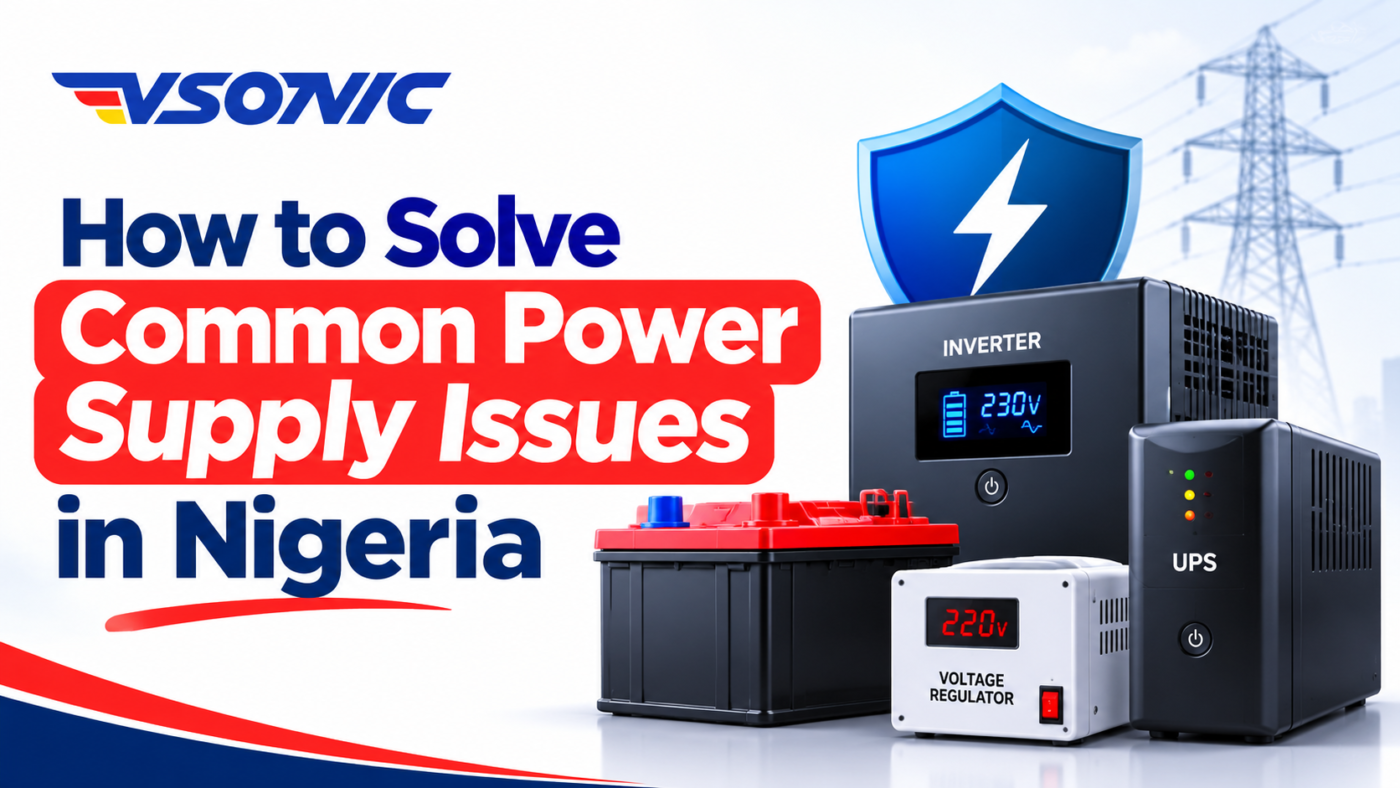
Power interruptions, unstable voltage, faulty inverters and batteries that refuse to hold a charge can make everyday life frustrating. Whether you are working from home, running a business or simply trying to keep essential household appliances running, power problems can disrupt your routine and affect your equipment. Understanding how to solve common power supply issues in Nigeria can help you identify possible causes, take sensible precautions and know when professional assistance is necessary.
From sudden power outages to inverter overload warnings, here are some common electricity and backup power problems, what may cause them and how to deal with them safely.
1. Frequent Power Outages
Power outages are a familiar challenge for many Nigerian households and businesses. When electricity supply becomes unreliable, activities such as working, studying, refrigeration and online communication can be affected.
What you can do:
- Consider a suitable inverter and battery system for essential appliances.
- Explore solar power solutions if they suit your energy requirements and budget.
- Use a UPS to provide temporary backup for computers and other compatible equipment.
- Prioritise essential appliances when planning your backup power capacity.
Before investing in a backup system, calculate the combined power requirements of the equipment you intend to operate and how long you need it to run.
Remember that an inverter or solar system should be properly sized and installed. A system that cannot support your appliances will not provide the backup you expect.
2. Unstable Voltage and Power Fluctuations
Have you noticed your lights becoming unusually dim or bright, or certain appliances switching off unexpectedly? These symptoms may indicate voltage fluctuations or another electrical problem.
Unstable voltage can affect sensitive electronic equipment, so it should not be ignored.
What you can do:
- Disconnect sensitive appliances if you suspect an abnormal supply condition.
- Consider a properly rated voltage protection device recommended for the equipment.
- Use a suitable voltage regulator where the appliance and installation require one.
- Ask a qualified electrician to investigate recurring fluctuations.
A common mistake is assuming that every power fluctuation requires a stabiliser. Surge protectors, voltage regulators and circuit breakers serve different purposes. The right protection depends on the electrical problem and the equipment involved.
If several appliances experience the same issue, have the electrical installation and incoming supply checked rather than simply buying individual protection devices.
3. Inverter Keeps Switching Off
An inverter that repeatedly switches off can interrupt your power supply when you need it most.
Several things may cause this problem, including low battery voltage, excessive connected load, overheating or a fault within the system.
Possible solutions:
- Check the inverter’s display or warning indicators.
- Disconnect non-essential appliances if the system reports an overload.
- Allow an overheated unit to cool in accordance with its manufacturer’s instructions.
- Check that ventilation openings are not obstructed.
- Have the battery condition and connections inspected by a qualified technician.
Avoid repeatedly restarting an inverter without understanding why it is shutting down. Persistent warnings may indicate a problem that requires professional attention.
4. Inverter Battery Not Charging Properly
Your inverter depends on its battery bank to provide backup power. If the batteries are not charging properly, your system may have insufficient energy when electricity goes off.
Possible causes include a faulty charging source, worn-out batteries, loose connections or incorrect charging settings.
What you can do:
- Check the inverter’s charging status and error indicators.
- Confirm that the mains or solar charging source is available.
- Check whether the battery connections require professional inspection.
- Review the battery manufacturer’s recommended charging settings.
- Arrange a battery condition test if the problem continues.
Battery performance also depends on its type, age, operating temperature and usage pattern. Do not assume that every charging problem means you need a new battery.
5. UPS Keeps Beeping or Provides Little Backup Time
A UPS is useful for protecting computers and providing temporary backup during power interruptions. However, frequent alarms or unusually short backup time can indicate an issue.
Common causes include an overloaded UPS, a weak battery or unsuitable input voltage.
Try these steps:
- Check the UPS display or indicator lights for warning messages.
- Disconnect non-essential equipment if the UPS reports an overload.
- Allow the battery to recharge after an extended outage.
- Check the manufacturer’s guidance for battery replacement and maintenance.
- Confirm that the connected equipment does not exceed the UPS capacity.
If the UPS continues beeping or cannot provide its expected backup time, have it inspected rather than ignoring the warning.
6. Generator or Inverter Cannot Carry the Connected Load
Sometimes, a backup power system switches off as soon as several appliances are connected.
This may happen because the combined demand exceeds the system’s rated capacity, or because an appliance draws a high starting current.
For example, a refrigerator, air conditioner or water pump may require more power when starting than when running normally.
What you can do:
- Identify the appliances connected to the system.
- Check their rated power requirements and starting demands.
- Disconnect non-essential equipment.
- Avoid operating several high-demand appliances simultaneously if the system cannot support them.
- Ask a qualified technician to assess the system capacity and installation.
Do not increase the load simply because the inverter or generator appears to be working. Check its actual ratings first.
7. Electrical Sockets, Extension Cords and Plugs Overheating
Overloaded sockets, damaged cables and poor electrical connections can cause overheating and create serious fire and electric shock risks.
Warning signs include discolouration around sockets, burning smells, unusually hot plugs, sparks and damaged insulation.
What you should do:
- Stop using the affected socket or extension.
- Disconnect equipment only if it is safe to do so.
- Do not overload extension sockets.
- Replace damaged cables and unsuitable accessories.
- Have recurring problems inspected by a qualified electrician.
Never ignore a burning smell or attempt to repair live electrical connections yourself. If there is smoke, fire or immediate danger, keep away and seek emergency assistance.
8. How to Prevent Recurring Power Supply Problems
Solving an immediate power problem is useful, but preventing it from happening again is even better.
Here are practical habits that can help:
Choose suitable electrical equipment: Check the voltage, wattage and capacity requirements before purchasing appliances, inverters, UPS units or voltage regulators.
Avoid overloading circuits: Distribute electrical loads appropriately and have your installation assessed if breakers trip frequently.
Maintain backup systems: Follow the manufacturer’s maintenance recommendations for inverters, batteries, generators and solar equipment.
Provide adequate ventilation: Keep inverters, UPS units and other equipment in suitable locations with sufficient airflow.
Use qualified professionals: Electrical installation, wiring, battery connections and major repairs should be handled by competent, appropriately certified professionals.
Keep records of recurring faults: Note when problems occur, the equipment affected and any error messages. This information can help a technician identify the cause.
Final Thoughts
Power supply problems can affect comfort, productivity and business operations, but understanding their possible causes makes it easier to respond appropriately.
Whether you are dealing with frequent outages, unstable voltage, inverter shutdowns, battery charging problems or an overloaded UPS, start by identifying the symptoms and following the manufacturer’s guidance. Do not attempt electrical repairs beyond your competence, especially where live wiring or damaged installations are involved.
The right backup and protection equipment can also make a significant difference. Explore the Power Supply collection on VSONIC.NG for inverters, batteries, UPS systems, voltage regulators and other power-related equipment to support your home or business needs.
VSONIC.NG – Everything Tech. One Platform. One VSONIC.