
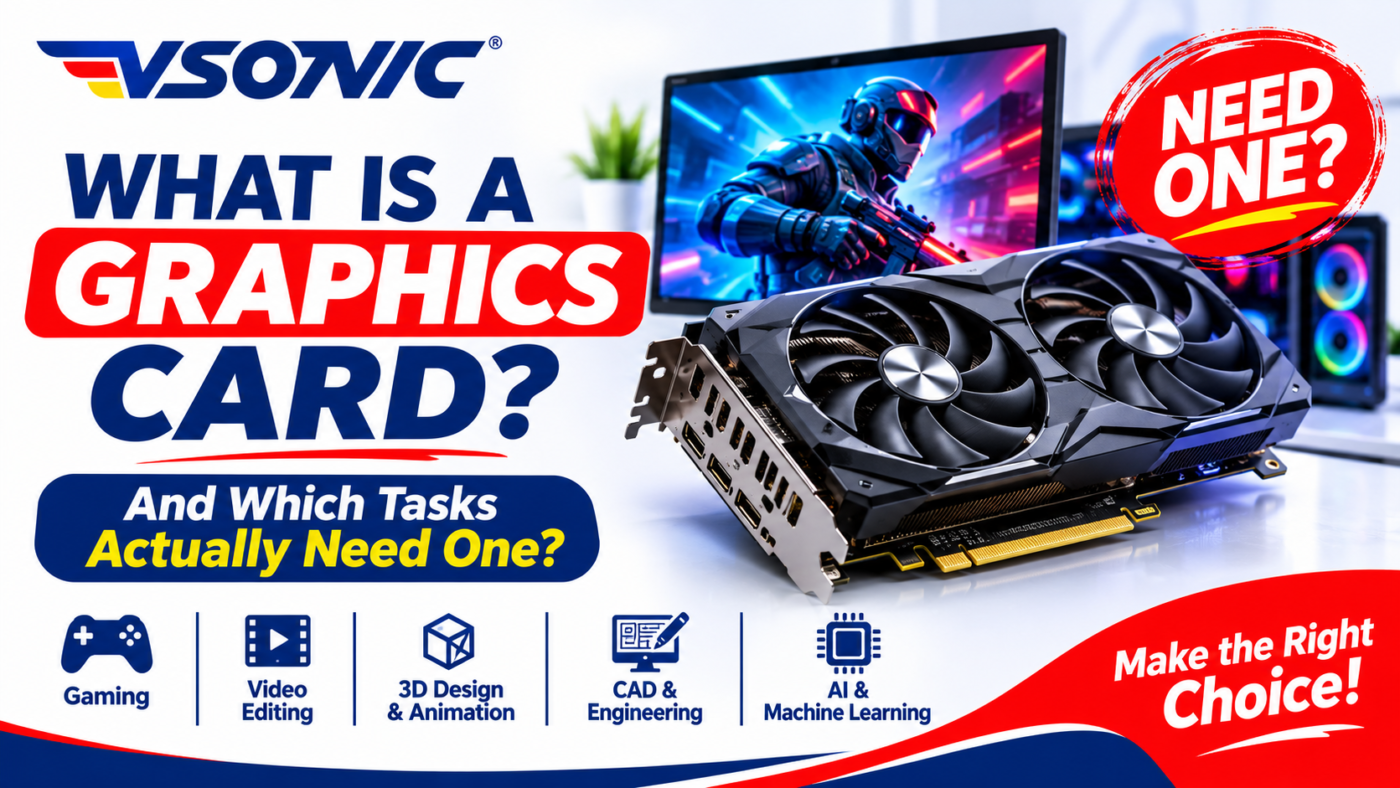
A graphics card is one of the most important components in a computer, but not everyone needs a powerful one. While some computers can handle everyday tasks without a dedicated graphics card, others require additional graphics processing power to run demanding software, play modern games or create professional content.
If you’re planning to buy a laptop, desktop computer or upgrade your existing system, understanding what a graphics card does can help you make a smarter purchasing decision and avoid spending money on hardware you may never use.
What Is a Graphics Card?
A graphics card, also known as a GPU (Graphics Processing Unit), is a computer component responsible for processing and displaying visual information. It helps your computer render images, videos, animations, graphics, games and other visual content on your screen.
In simple terms, the graphics card helps your computer turn digital information into the images you see.
Some computers have graphics processing built directly into the processor. Others use a separate graphics card installed inside the computer. Although both options can display images, their performance and capabilities differ significantly.
Integrated Graphics vs Dedicated Graphics Card
Before buying a computer, it is important to understand the two main types of graphics processing.
1. Integrated Graphics
Integrated graphics are built into the computer’s processor or, in some older systems, the motherboard. Rather than having a separate graphics card, the computer uses its integrated graphics processor to handle visual tasks.
Consequently, integrated graphics are generally more affordable, consume less power and are suitable for everyday computing.
They can comfortably handle activities such as:
- Browsing the internet.
- Watching movies and streaming videos.
- Microsoft Word, Excel and PowerPoint.
- Online meetings and video conferencing.
- Basic photo editing.
- Light gaming.
- Schoolwork and general office tasks.
For students, business owners, office workers and everyday computer users, integrated graphics may be more than sufficient.
2. Dedicated Graphics Card
A dedicated graphics card is a separate hardware component designed to handle graphics processing independently of the computer’s main processor. It typically has its own graphics memory, known as VRAM, which helps it process visual information efficiently.
Dedicated graphics cards are generally more powerful and are particularly useful for demanding applications.
For example, they can improve performance in modern games, video editing, 3D modelling, animation, engineering software and other graphics-intensive workloads.
However, dedicated graphics cards can increase a computer’s price, power consumption and heat output. Therefore, buying one simply because it sounds impressive may not be the best decision.
Which Tasks Actually Need a Graphics Card?
Not every computer activity requires a dedicated GPU. However, certain tasks benefit significantly from one.
1. Gaming
<text>Gaming is one of the most common reasons people purchase computers with dedicated graphics cards.</text>
Modern games often require substantial graphics processing power to render detailed environments, realistic lighting, textures, shadows and smooth animations.
While integrated graphics can run some games, a dedicated graphics card is particularly useful for demanding games, higher resolutions and smoother frame rates.
If you enjoy playing modern PC games, investing in a computer with a suitable graphics card can make a noticeable difference.
2. Video Editing
Video editing software can place considerable demands on your computer, particularly when working with high-resolution footage, multiple video layers, effects and colour correction.
A dedicated GPU can accelerate certain editing, rendering and playback processes, depending on the software and supported hardware.
For occasional editing of short videos, integrated graphics may be sufficient. However, professional video editors working with 4K footage, complex timelines or demanding effects may benefit from a dedicated graphics card.
3. Graphic Design and Photo Editing
Graphic designers frequently work with image editing software, illustrations, digital artwork, typography and visual compositions.
Applications such as Adobe Photoshop, Illustrator and other creative tools can benefit from graphics acceleration for supported operations.
Nevertheless, basic graphic design does not automatically require a dedicated graphics card. For simple designs, social media graphics, flyers, banners and ordinary photo editing, a modern computer with capable integrated graphics may perform adequately.
Therefore, consider the type of projects you regularly handle before purchasing a graphics-intensive computer.
4. 3D Modelling, Animation and Rendering
<text>3D modelling, architectural visualisation, animation and rendering are among the tasks that can benefit considerably from a dedicated graphics card.</text>
Software used for creating 3D objects, virtual environments, architectural designs and animations can require substantial graphics processing power.
A dedicated GPU may help with:
- 3D modelling and viewport performance.
- Real-time rendering.
- Animation workflows.
- Architectural visualisation.
- Complex textures and materials.
- Certain GPU-accelerated rendering processes.
If you’re working professionally in these areas, the graphics card you choose can significantly influence your workflow.
5. CAD and Engineering Applications
Computer-aided design (CAD) software is used by architects, engineers, designers and technical professionals to create drawings, models and simulations.
Some CAD applications work comfortably with integrated graphics, especially when handling simple 2D drawings.
However, complex 3D models, large assemblies, advanced visualisation and specialised engineering workloads may require a dedicated GPU. Furthermore, certain professional applications benefit from graphics cards designed for workstation use.
Always check the recommended hardware requirements of the specific software you intend to use.
6. AI, Machine Learning and Advanced Computing
Some artificial intelligence applications, machine learning workloads and specialised computing tools can benefit from GPUs.
Graphics cards with sufficient VRAM and compatible software support may accelerate certain AI workloads, including image generation, model inference and machine learning development.
However, not every AI application requires a powerful graphics card. Many online AI tools run their processing on remote servers, allowing users to access them through ordinary computers and internet connections.
Which Tasks Do Not Need a Dedicated Graphics Card?
If your computer is primarily used for everyday activities, integrated graphics may be enough.
| Computer activity | Dedicated GPU needed? |
|---|---|
| Microsoft Word and Excel | No |
| Web browsing | No |
| Online meetings | Usually no |
| Watching movies | No |
| Online shopping | No |
| School assignments | Usually no |
| Basic photo editing | Usually no |
| Simple social media graphics | Usually no |
| Light gaming | Not necessarily |
| Advanced video editing | Often beneficial |
| Modern gaming | Usually recommended |
| 3D modelling and rendering | Often recommended |
| Complex CAD projects | Often beneficial |
<text color=”secondary” size=”sm”>These are general guidelines. Requirements depend on the software, workload, computer specifications and performance expectations.</text>
What Should You Consider When Buying a Graphics Card?
If you have decided that your computer needs a dedicated GPU, don’t focus exclusively on the graphics card brand or model.
Consider these important factors:
- VRAM: Graphics memory is important when handling large textures, high-resolution video, 3D models and demanding graphics workloads.
- Performance: Choose a GPU that matches the applications, games and workloads you intend to use.
- Compatibility: Ensure the graphics card is compatible with your desktop’s motherboard, power supply, available space and cooling system.
- Power consumption: Some graphics cards require more electricity and a stronger power supply.
- Budget: Consider the entire computer configuration rather than spending too much on the GPU alone.
- Software requirements: Check the recommended specifications of your intended applications before purchasing.
Do You Really Need a Computer with a Graphics Card?
The answer depends on what you intend to do with your computer.
If you primarily browse the internet, work with documents, attend online meetings, watch videos or perform basic office tasks, integrated graphics may be sufficient.
On the other hand, if you play demanding games, edit videos professionally, work with 3D models, create animations or use graphics-intensive software, a dedicated graphics card may be a worthwhile investment.
The smartest computer purchase is not necessarily the one with the most powerful graphics card. Instead, choose a system that delivers the performance you actually need.
At VSONIC.NG, you can explore computing devices and accessories to help you build, upgrade or equip your workspace. Whether you’re a student, professional, gamer or business owner, choosing the right technology starts with understanding what your work demands.
VSONIC.NG – Everything Tech. One Platform. One VSONIC.