
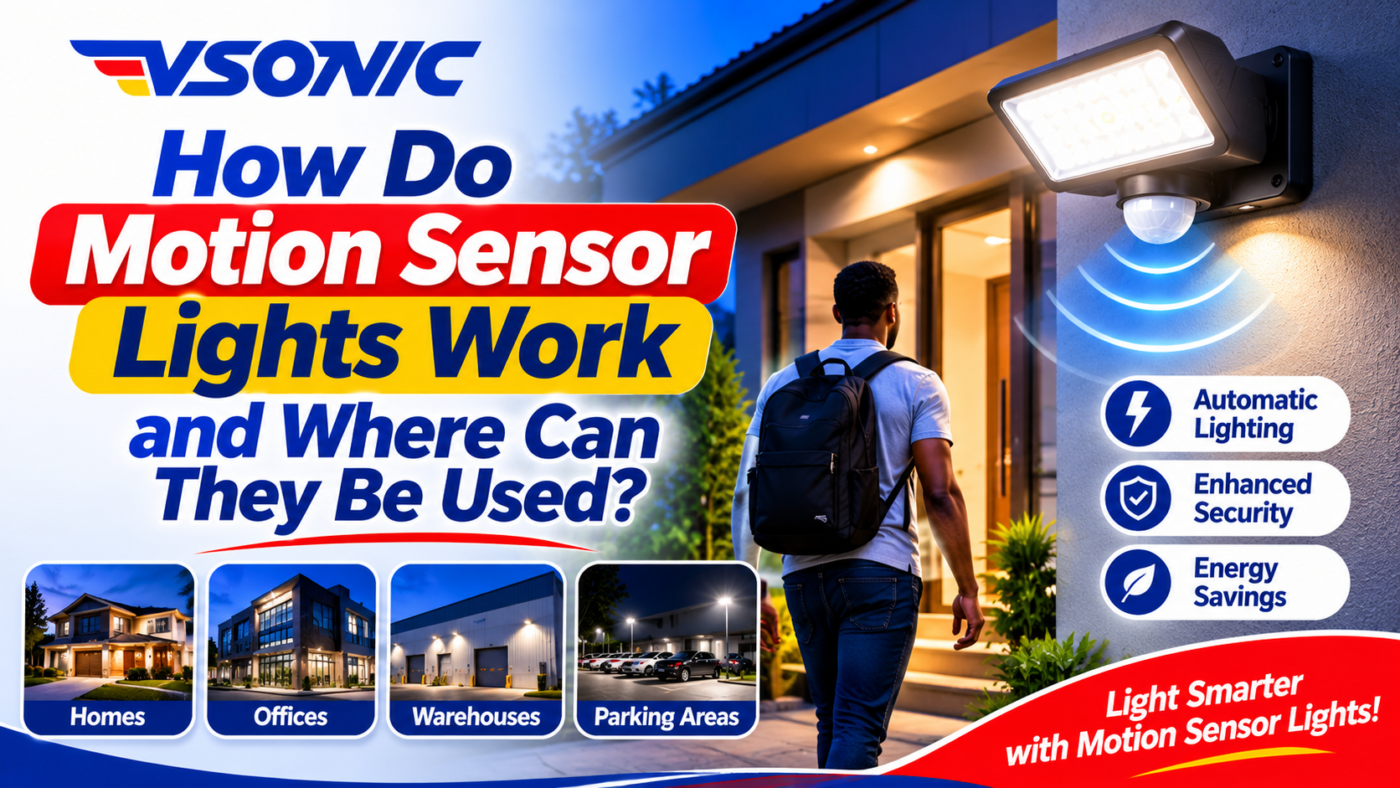
Imagine walking into your compound at night and having the lights switch on automatically, or approaching a corridor where the lighting activates without anyone touching a switch. That convenience is made possible by motion sensor lights.
In this guide, we’ll explain how motion sensor lights work, the different types of sensors, where they can be used and what to consider when choosing one.
What Are Motion Sensor Lights?
Motion sensor lights are lighting systems that automatically switch on, switch off or adjust their illumination when movement or occupancy is detected within a designated area.
Unlike conventional lights that require manual operation, motion sensor lights use sensors to detect activity and activate lighting when necessary.
They are commonly installed in residential buildings, commercial premises, warehouses, parking areas, corridors and outdoor spaces where automated lighting is useful.
Depending on the model, a motion sensor light may also include a daylight sensor, adjustable detection sensitivity and a timer that determines how long the light stays on.
How Do Motion Sensor Lights Work?
They combine a detection sensor, a control mechanism and a light source.
When movement is detected within the sensor’s coverage area, the sensor sends a signal to the control mechanism, which activates the light. The light typically remains on for a preset period and switches off automatically when movement is no longer detected.
The process generally involves three steps:
- Movement detection: The sensor detects movement within its coverage area.
- Signal processing: The sensor’s control system determines whether the light should activate.
- Lighting activation: The light switches on and remains illuminated according to its settings.
Some use ambient light sensors to prevent unnecessary activation during daylight.
Types of Motion Sensor Lights
Different motion sensor lights use different detection technologies. Understanding them can help you choose the right lighting system for your environment.
1. Passive Infrared (PIR) Sensors
<text color=”secondary”>Passive Infrared (PIR) sensors</text> detect changes in infrared radiation associated with moving warm objects, such as people and animals.
They are widely used in residential and commercial lighting because they are relatively energy-efficient and suitable for many indoor and outdoor applications.
PIR sensors generally require an unobstructed field of view and perform best when movement crosses their detection zones.
Common applications include security lights, corridor lighting, entrance lighting and automated room lighting.
2. Microwave Motion Sensors
Microwave sensors emit electromagnetic waves and detect changes in the reflected signals when objects move within their detection area.
They can detect movement in some situations where PIR sensors may struggle, including through certain non-metallic materials, depending on the sensor and installation.
However, their sensitivity can sometimes result in unwanted activation. Carefully adjusting their detection range and positioning is important.
Microwave sensors are commonly used in commercial lighting, corridors, offices and selected outdoor installations.
3. Dual-Technology Motion Sensors
Dual-technology sensors combine two detection technologies, often PIR and microwave or ultrasonic sensing, to improve detection reliability.
Some systems require both sensing technologies to confirm movement before activating the lights. This can help reduce unwanted triggers, although the actual performance depends on the design and configuration.
They are useful in selected commercial environments, offices and areas where more reliable detection is required.
Where Can Motion Sensor Lights Be Used?
Motion sensor lighting is useful in many environments, particularly spaces where people move through intermittently or where automatic illumination improves convenience.
1. Home Entrances and Compounds
Install motion sensor lights around front doors, gates, walkways and building entrances.
They provide illumination when someone approaches, helping occupants navigate dark areas and making entrances more visible.
2. Corridors and Staircases
Hallways, staircases and passages are ideal locations for motion sensor lights.
Automatic lighting can help people move through these areas without searching for switches, particularly at night.
3. Driveways and Parking Areas
Motion sensor lights can illuminate driveways, parking spaces and garages when vehicles or people approach.
They provide convenient lighting for parking, walking and accessing vehicles after dark.
4. Offices and Commercial Buildings
Offices can use motion sensor lights in meeting rooms, corridors, storage rooms, washrooms and other spaces where occupancy varies.
Automatic lighting can help reduce unnecessary electricity consumption when rooms are unoccupied.
5. Shops and Warehouses
Retail stores, warehouses and stockrooms can use motion sensor lighting in storage areas, loading spaces, back corridors and other locations where activity is intermittent.
The appropriate sensor and settings depend on how the space is used and the lighting requirements.
6. Bathrooms and Utility Areas
Bathrooms, laundry areas, utility rooms and other spaces where people may forget to switch off lights can benefit from automated lighting.
However, sensor positioning and timing should ensure that the light does not switch off while someone is still using the space.
7. Outdoor Security and Perimeter Lighting
Motion sensor lights can be installed around fences, gates, building walls, side passages and external access points.
They can illuminate an area when movement is detected, improve visibility and complement other security measures such as CCTV cameras.
Benefits of Motion Sensor Lights
Motion sensor lights offer several practical advantages:
- Convenience: Lights activate automatically without manual switching.
- Energy efficiency: They can reduce unnecessary lighting when spaces are unoccupied.
- Improved visibility: They illuminate pathways, entrances and other areas when needed.
- Security support: Sudden illumination can make activity around entrances and external areas more visible.
- Reduced switching: Automated operation reduces the need for people to repeatedly operate light switches.
Actual energy savings depend on occupancy patterns, light settings, installation and how the lighting was previously used.
What Should You Consider When Buying Motion Sensor Lights?
Before purchasing a motion sensor light, consider:
- Detection range: Ensure the sensor covers the area you want to illuminate.
- Detection angle: Check the sensor’s coverage and positioning requirements.
- Installation location: Choose a model designed for indoor or outdoor use as appropriate.
- Lighting brightness: Consider the lumen output and the size of the area.
- Timer settings: Check whether the light duration can be adjusted.
- Sensitivity settings: Adjustable sensitivity can help reduce unwanted activation.
- Daylight sensor: Useful for preventing activation when natural light is sufficient.
- Power source: Confirm whether the light requires mains electricity, batteries or solar power.
- Weather resistance: For outdoor installations, check the IP rating and manufacturer’s operating conditions.
Make Lighting Smarter with Motion Sensor Lights
Motion sensor lights provide a convenient way to automate lighting in homes, offices, shops, warehouses and outdoor spaces. By detecting movement and activating illumination when needed, they can improve convenience, visibility and energy management.
Whether you’re lighting a driveway, staircase, corridor, gate, stockroom or building entrance, choosing the right sensor technology and installation location can make a significant difference.
Explore VSONIC.NG for lighting, security, power supply and other technology products designed to support everyday needs at home and in business.
VSONIC.NG – Everything Tech. One Platform. One VSONIC.