
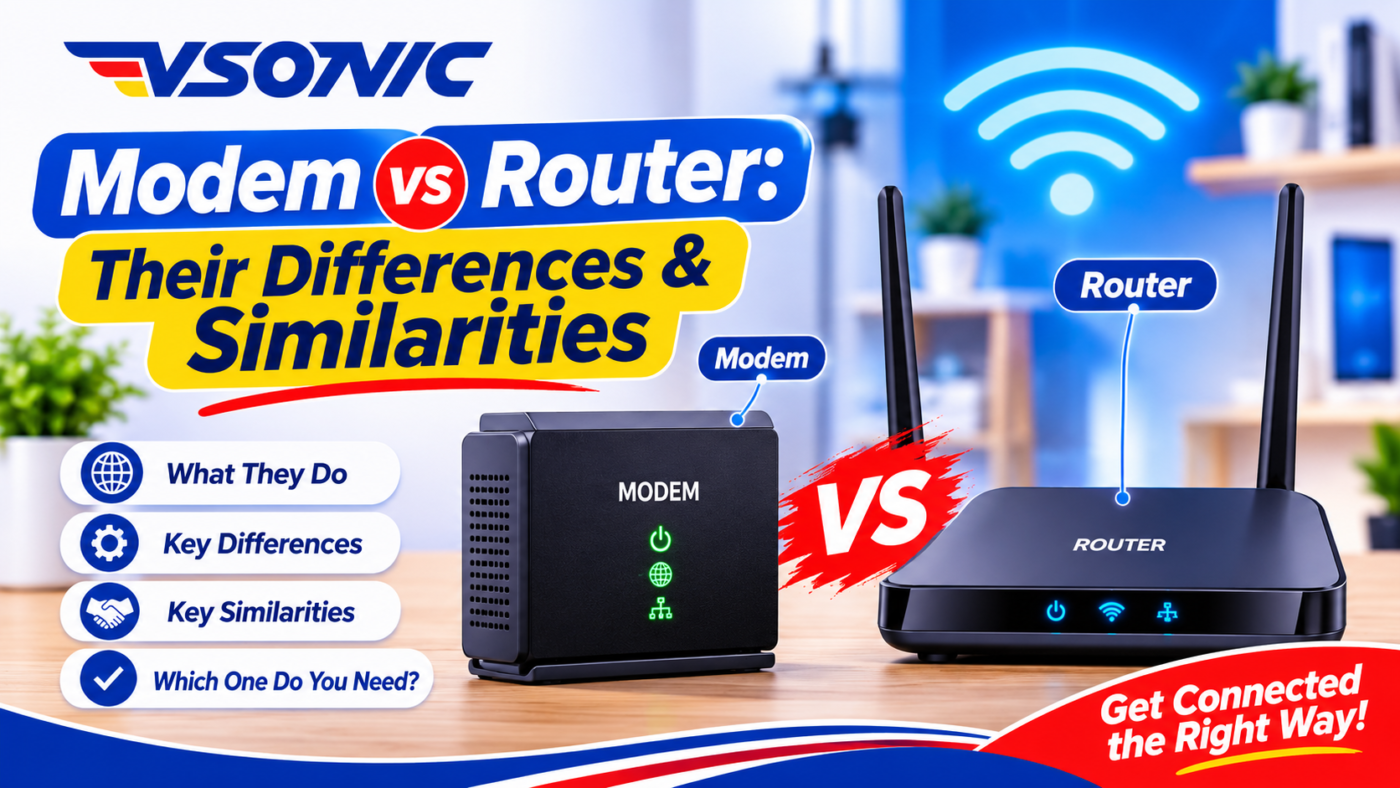
If you’ve ever tried setting up internet at home, in your office or in your business, you’ve probably encountered the terms modem and router. Although both devices play important roles in internet connectivity, they do different jobs, and understanding the distinction can help you choose the right equipment, troubleshoot connection problems and build a better network.
In Nigeria, where homes, offices, shops and businesses rely increasingly on fibre internet, mobile broadband and wireless connectivity, knowing the difference between a modem and a router is particularly useful.
A modem connects your network to your internet service provider (ISP), while a router distributes that connection across your devices. Sometimes, both functions are built into one device.
Let’s break down how they work, their differences, similarities and when you need either or both.
What Is a Modem?
A modem is a device that establishes a connection between your network and your internet service provider. Traditionally, the word modem comes from modulator-demodulator, referring to the process of converting signals for transmission and reception.
Modern modems are designed for specific internet connection technologies, including cable, DSL and certain cellular or other broadband systems.
The modem receives the internet connection from the provider and makes it available through an interface, commonly Ethernet, for a router or connected device.
What Does a Modem Do?
- Connects your network to your internet service provider.
- Handles communication over the specific internet access technology it supports.
- Provides an interface through which a router or other device can access the internet.
- Establishes and maintains the internet connection, depending on the service and equipment.
For example, a compatible modem connects to the provider’s network and supplies an internet connection to your router, which then distributes it across your home or office.
What Is a Router?
A router is a networking device that connects multiple devices to a local network and directs data between that network and other networks, including the internet.
A typical home Wi-Fi router allows smartphones, laptops, smart TVs, printers, gaming consoles and other devices to connect to the same network.
Routers can provide wired connections through Ethernet ports and wireless connections through Wi-Fi.
What Does a Router Do?
- Connects multiple devices to a local network.
- Distributes internet access to connected devices.
- Routes data to the appropriate destinations.
- Provides Wi-Fi connectivity in wireless router models.
- Often provides network security features, guest networks and parental controls.
A router helps your devices share an internet connection while communicating within your local network.
Modem vs Router: Key Differences
| Feature | Modem | Router |
|---|---|---|
| Primary function | Connects your network to your ISP | Connects devices and routes traffic across networks |
| Main role | Establishes the internet connection | Distributes and manages network connections |
| Connection | Connects to the provider’s access network | Connects to a modem, gateway or other network |
| Wi-Fi | Typically does not provide Wi-Fi on its own | Wireless routers provide Wi-Fi |
| Device connections | Often connects to a router or individual device | Connects multiple wired and wireless devices |
| Network management | Handles the internet access connection | Manages local network traffic |
| Typical use | Internet access from the ISP | Sharing internet access at home or in an office |
How Do a Modem and Router Work Together?
A modem and router work together to provide internet connectivity to multiple devices.
In a typical setup, the process works as follows:
- The ISP provides the internet connection: The provider delivers internet service through its supported infrastructure.
- The modem receives the connection: The modem establishes communication with the provider’s network.
- The router receives the internet connection: The modem connects to the router through an Ethernet cable or another supported interface.
- The router creates a local network: It allows multiple devices to connect through Wi-Fi or Ethernet.
- Devices access the internet: Smartphones, laptops, smart TVs and other devices use the network managed by the router.
<text color=”#FF3333″ weight=”medium”>The modem brings the internet connection into your network; the router distributes and manages that connection among your devices.</text>
What Are the Similarities Between a Modem and a Router?
Although they perform different functions, modems and routers share several similarities.
- Both are networking devices: They are important components of many internet connectivity setups.
- Both support communication: They help facilitate data communication between your devices, network and external networks.
- Both may be required for internet access: Many traditional home and office networks use a modem and router together.
- Both come in different configurations: Equipment varies depending on the internet technology, network requirements and manufacturer.
- Both can be integrated into one device: Some broadband equipment combines modem and router functionality.
Understanding these similarities helps explain why people sometimes refer to both devices interchangeably, even though their functions are different.
Do You Need Both a Modem and a Router?
In many traditional broadband setups, yes. You need the modem function to establish internet access and the router function to distribute that connection across multiple devices.
However, you don’t necessarily need two separate physical devices.
1. Using a Separate Modem and Router
This setup involves two devices connected together.
The modem connects to the ISP, while the router manages your local network and provides Wi-Fi and wired connectivity.
This arrangement can offer flexibility because you can upgrade or replace the router independently of the modem, provided the equipment remains compatible with your internet service.
2. Using a Modem-Router Combo
A modem-router combo, also called a gateway in many setups, combines the modem and router functions in one device.
It connects to the provider’s network and distributes internet access to your devices through Wi-Fi and Ethernet.
This can simplify installation, reduce cables and save space.
3. Using a Mobile Broadband Router
In Nigeria, many people use 4G LTE or 5G routers for internet access.
These devices use a SIM card and cellular network to provide internet connectivity. Depending on the model, they combine cellular modem functionality and router functionality in one device.
They can provide internet access in homes, offices, shops and locations where fixed broadband is unavailable or inconvenient.
Modem vs Router: Which One Should You Buy?
The right choice depends on the type of internet service you use and your connectivity needs.
- If your ISP provides a modem: You may only need a compatible router to distribute internet access across your devices.
- If you use fibre internet: Your setup may require an Optical Network Terminal (ONT), which connects to your router. An ONT is not the same as a traditional cable or DSL modem, although it serves as the network access interface for fibre service.
- If you use mobile broadband: A 4G LTE or 5G router with compatible cellular modem functionality may be all you need.
- If you need better Wi-Fi coverage: Consider upgrading your router or exploring a mesh Wi-Fi system rather than assuming the modem is responsible for poor wireless coverage.
- If you have a business: Consider routers with suitable security, capacity, management and connectivity features for your operational requirements.
Before buying, check compatibility with your ISP, supported internet technology, network speeds, Wi-Fi capabilities, Ethernet ports and security features.
Final Thoughts: Understanding Your Internet Equipment
Modems and routers perform different but complementary functions. A modem or equivalent access device connects your network to your internet provider, while a router manages your local network and distributes connectivity to your devices.
Whether you’re setting up internet in your home, upgrading your office network, using a 4G LTE router or exploring fibre broadband, understanding these differences can help you make better technology decisions.
Explore VSONIC.NG for routers, connectivity devices, networking accessories and other technology products for your home, office and business.
VSONIC.NG – Everything Tech. One Platform. One VSONIC.