
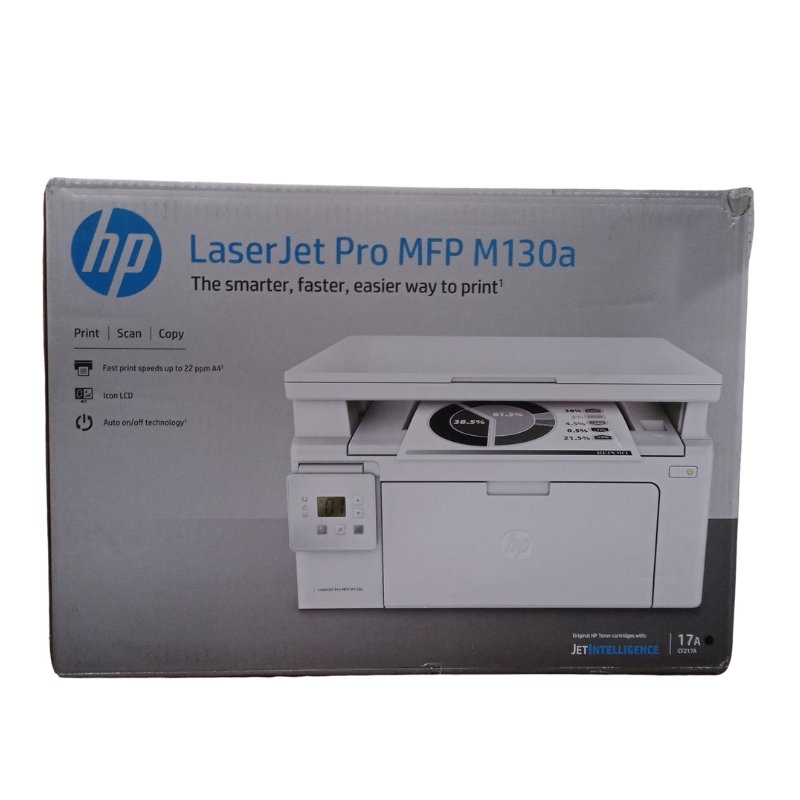
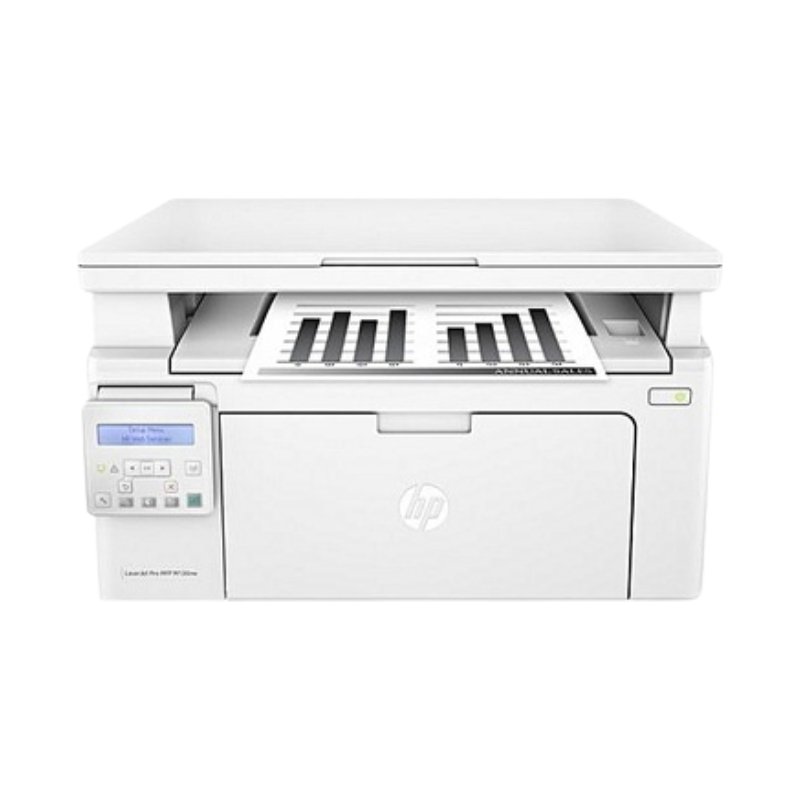
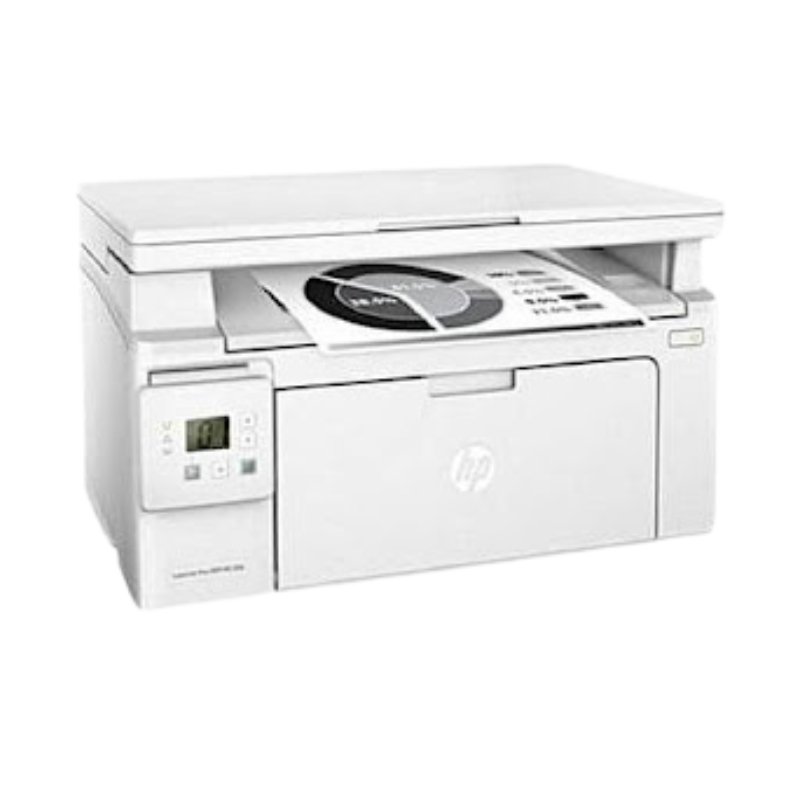
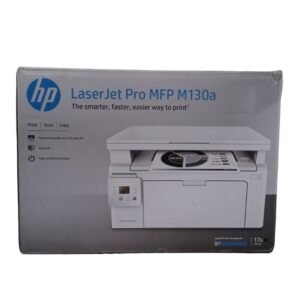
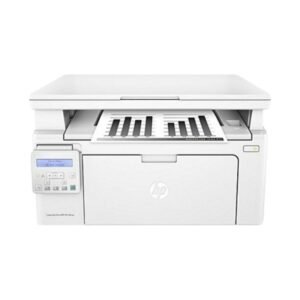
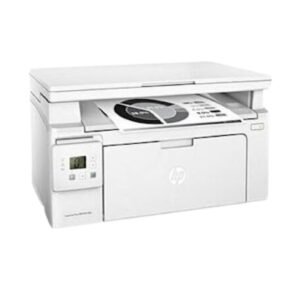

HP LaserJet Pro MFP M130a: Overview
The HP LaserJet Pro MFP M130a is a black-and-white laser printer that also scans and copies. It is made for small offices, shops, schools and home businesses that print a lot of text documents.
Features and Benefits
A mono laser multifunction printer prints crisp text quickly and cheaply, which makes it a better fit for invoices, reports, forms and assignments than an inkjet. The M130a combines printing, copying and scanning in one compact machine, so you do not need three separate devices. It uses HP 17A toner, which prints many more pages per cartridge than ink, and its small body fits on a desk. The M130a connects by USB; the M130nw version adds network and wireless connections if you need them.
Using and Caring for It
Place the printer on a firm, level surface with space to open the covers and a ventilated spot around it, and connect it with the supplied USB cable. Install the toner following the instructions, load clean, dry paper and print a test page. Use a surge protector, since power spikes damage printers, and clear any paper jams gently along the paper path. Replace the toner when prints turn faint.
Frequently Asked Questions
Does it print in colour?
No. It is a mono laser printer, so it prints in black and white only.
Can it connect over Wi-Fi?
The M130a uses a USB connection. If you need wireless or network printing, ask Vsonic about the M130nw version.
What toner does it use?
It uses the HP 17A toner cartridge. Ask Vsonic whether a starter toner is supplied with the printer.
Order the HP LaserJet Pro MFP M130a from Vsonic in Nigeria. Contact us for current stock, delivery options and warranty information.
Reviews
There are no reviews yet.